
Tracking production timelines and delivery options
Find out how long your yearbook or hoodies will take, how to change your delivery date, which delivery options you can choose, and how to track your parcel once it's on its way.
Plan your timeline
The date that matters is your print deadline. You'll find it on the Overview tab of Order & Print › Yearbooks, and on your Dashboard. Your proof must be approved and paid for by that date. You and your other editors can keep editing until you generate the proof, and you can reopen the book for changes after that.
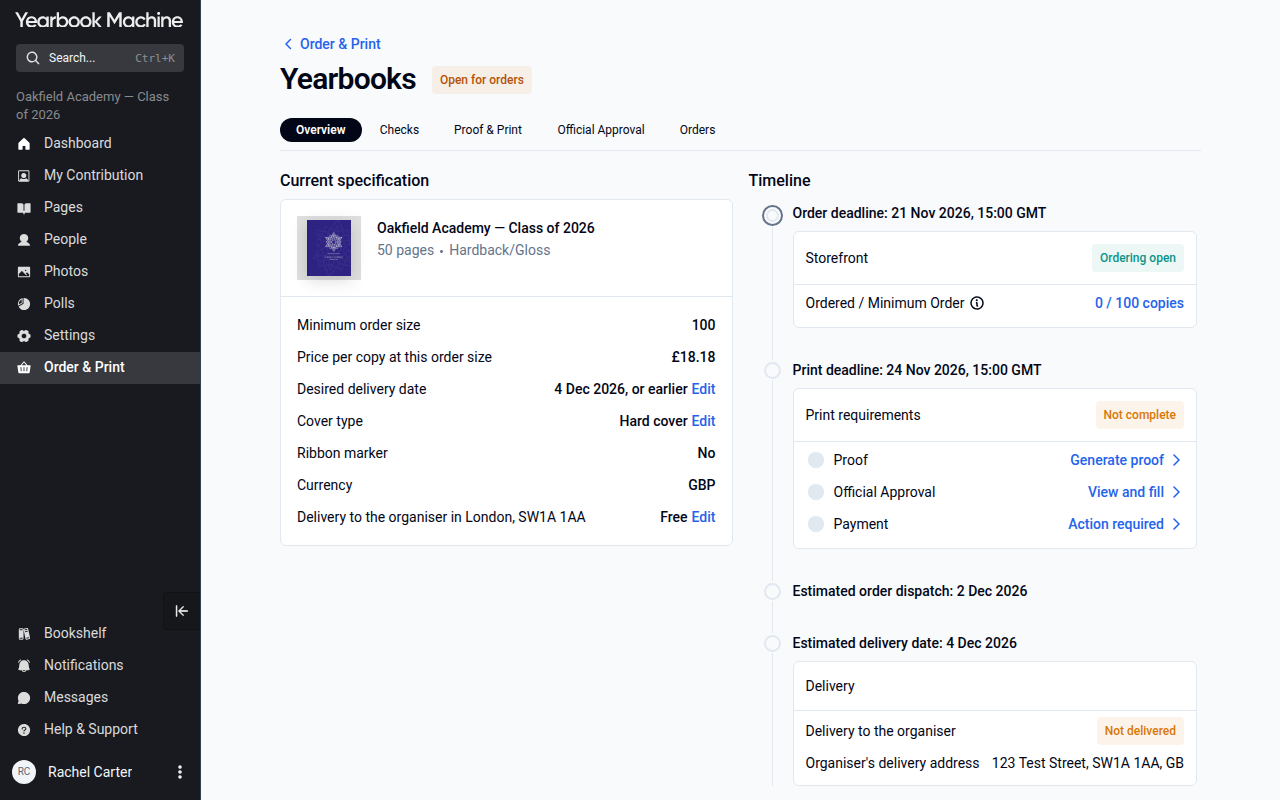
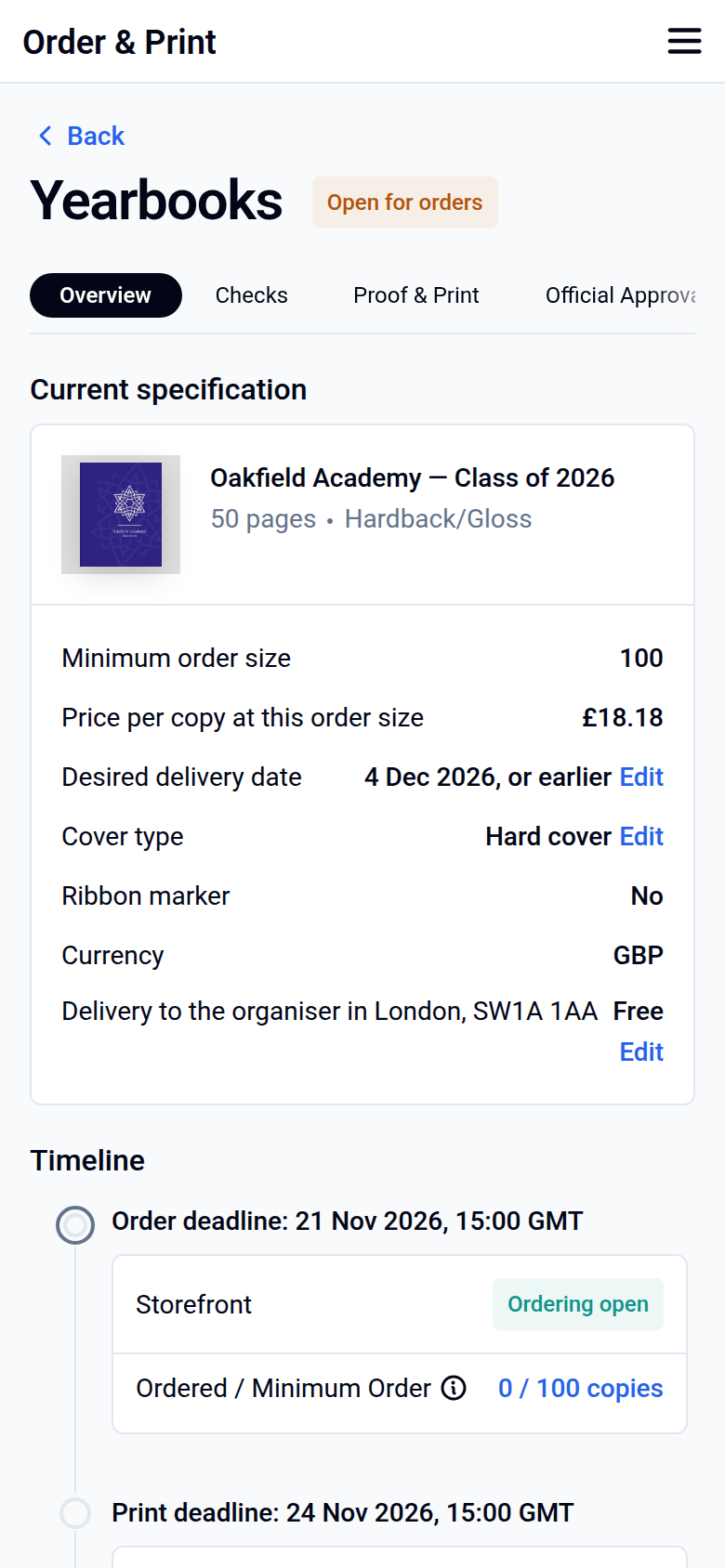
If your print deadline has already passed, or you need more time, choose a later delivery date (see below). Your print deadline moves with it.
Need your books for a set event, such as graduation? Choose a delivery date a little before the event rather than the day itself. That way, a small delay won't leave you without books on the day. If you're unsure, contact us. We'll tell you the earliest date we can deliver and a safer date to aim for.
Seeing two different print deadlines? If the deadline on your dashboard doesn't match the one in Order & Print, go by the date in Order & Print. That one is correct.
Turnaround times
Production starts once your proof is approved and payment is confirmed. The times below don't include shipping.
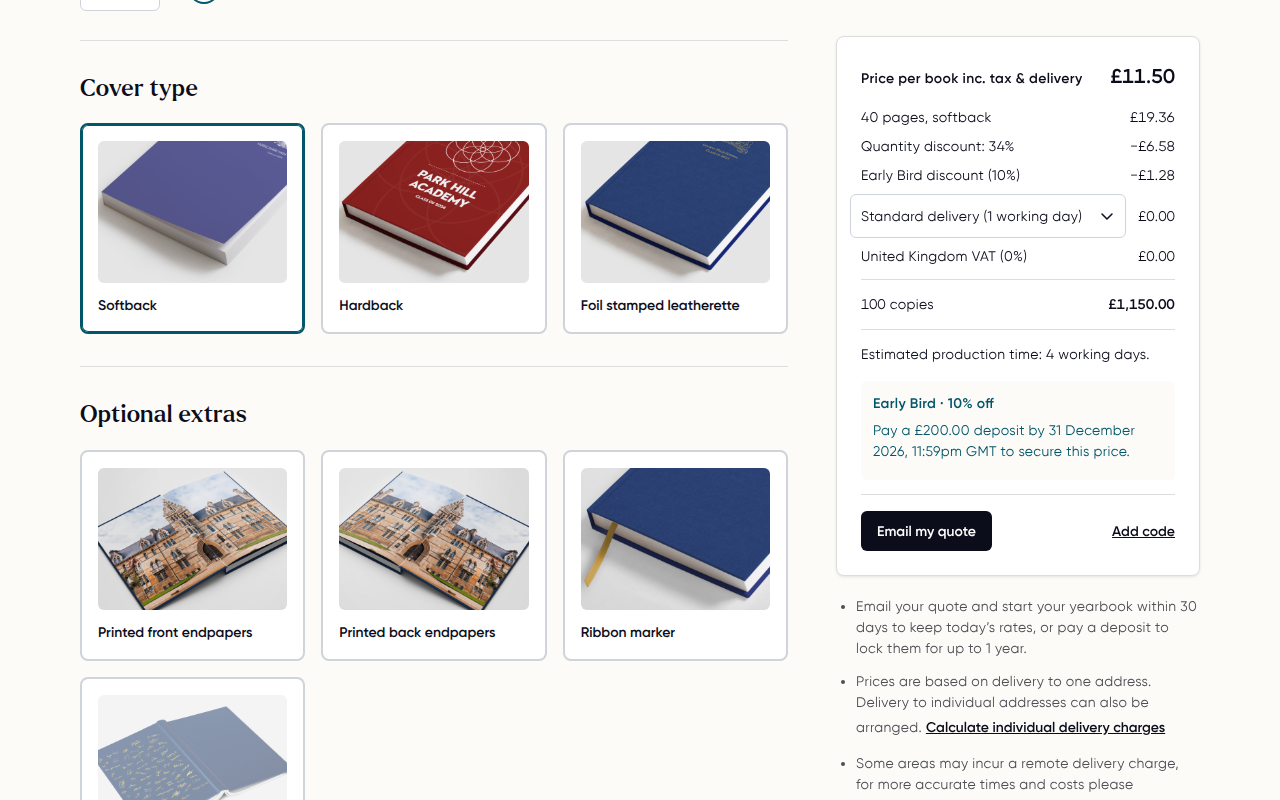
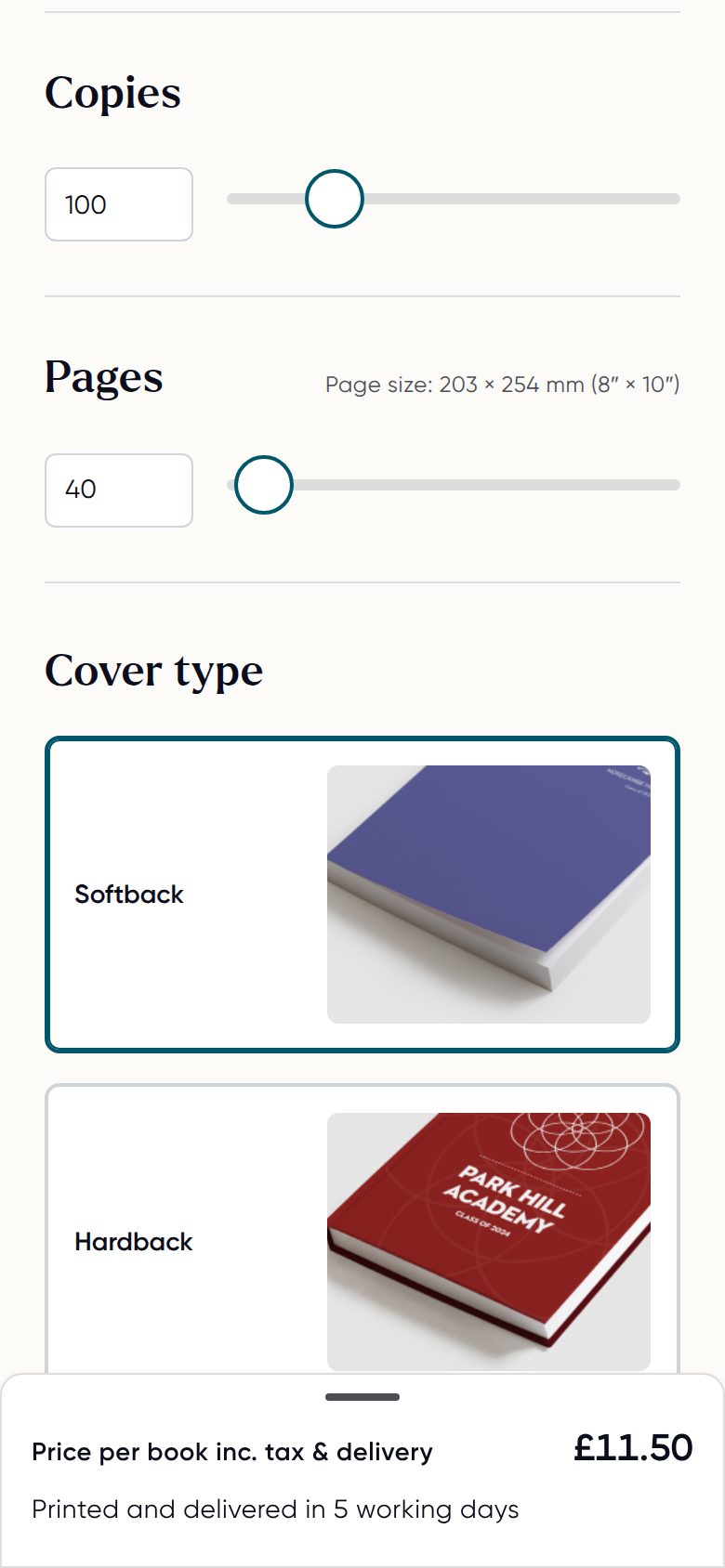
- Yearbooks: printing takes about 4 working days for softback, 6 for hardback and 11 for leatherette. Allow one more day when books are sent to individual addresses. The pricing calculator shows the estimate for your book.
- Leavers hoodies: production takes around 15 working days. Allow about 4 weeks from artwork approval and payment to delivery. For example, for early June delivery, aim to approve and pay by early May.
- Single or replacement hoodies: usually 2 to 3 weeks after payment and your delivery address are confirmed.
- Sample packs: usually arrive within a few working days of being sent (often 1 to 2). Request one with your name, your school or group name, and the address to post it to, saying whether it is a home or school address. We'll email you a link to confirm your address, and we post your sample once you've clicked it.
If you see an unusually short turnaround on an order confirmation, such as 48 hours for a hardback book, the standard turnaround still applies. Contact us if you're unsure.
Getting hoodies on time
If parents or students are ordering hoodies through a storefront, the storefront needs to close, and your final design mockup and list of names need to be approved, at least 3 weeks before your delivery date. Allowing about 4 weeks is safer.
Hoodies go into production only once payment, or your school's purchase order, has been received. If you've ordered yearbooks and hoodies on separate invoices, each item goes into production once its own invoice is paid. If you need more time to collect orders, contact us and we can extend your hoodie storefront deadline.
Hoodies can be sent to the school or to individual home addresses. Let us know which you'd prefer when you set up your order.
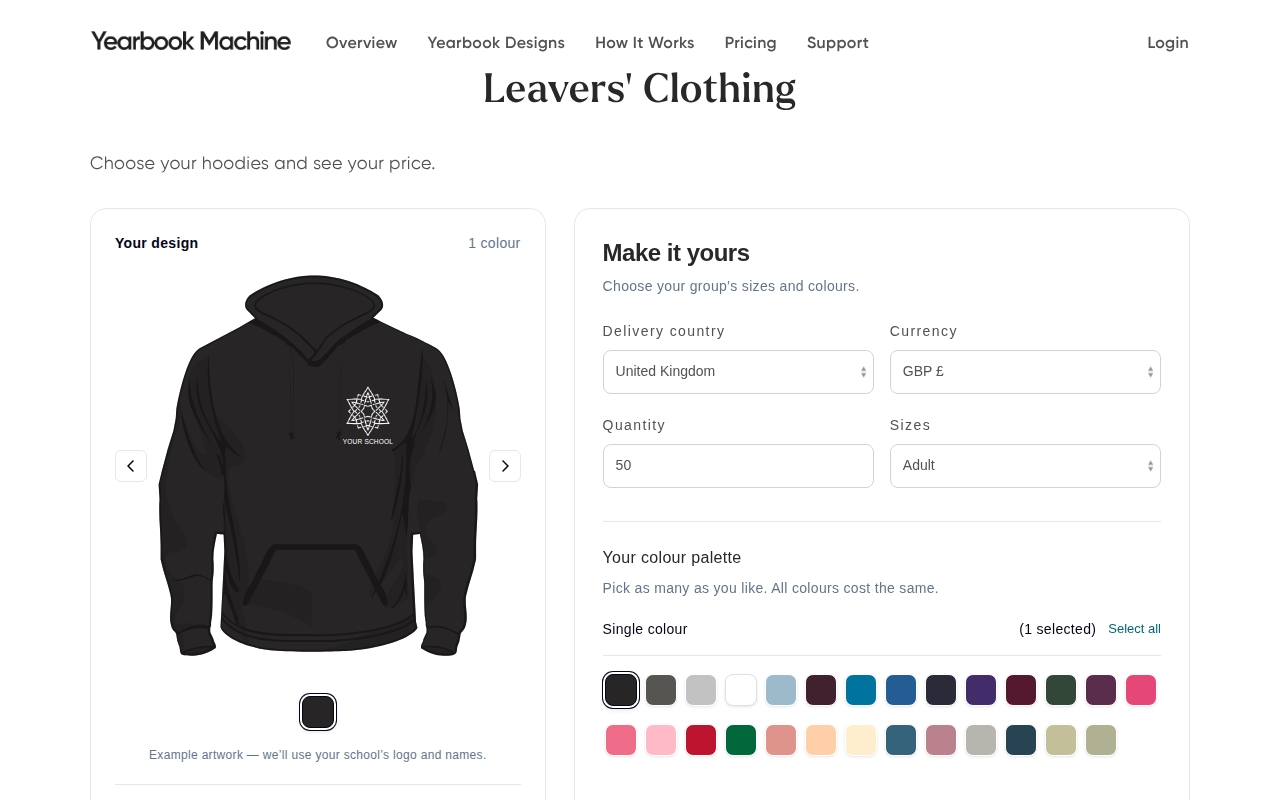
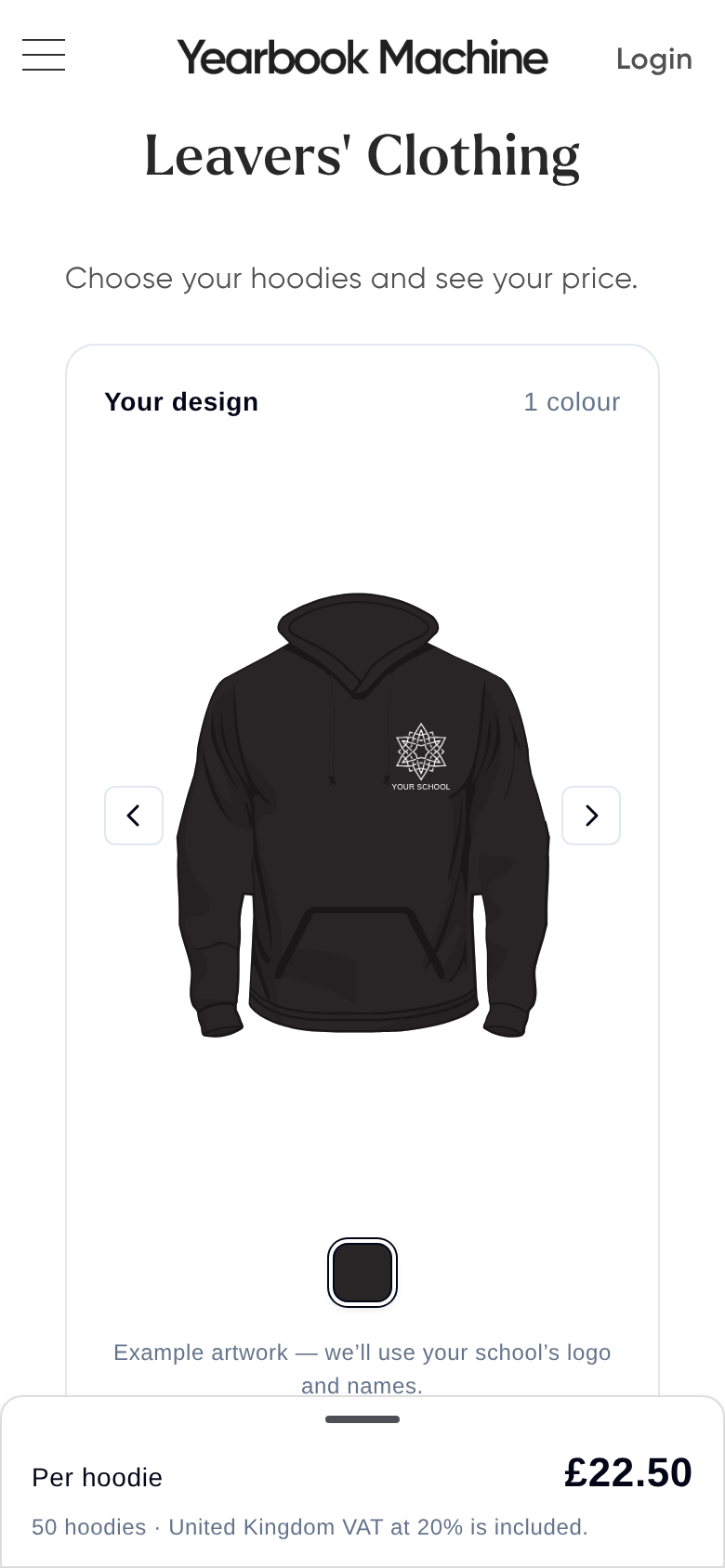
Hoodie prices come from our live hoodie calculator. Visit yearbook.com/hoodies for the current price. Everyone gets the same hoodie price, whether or not you're also ordering a yearbook.
Selling hoodies and yearbooks to the same families? To avoid parents ordering the same yearbook twice, either sell hoodies and yearbooks together on one storefront with a fixed book specification, or keep the sales separate and offer the yearbook only once, later in the year.
Getting your book into production
Your book can only go to print once all of the following are done.
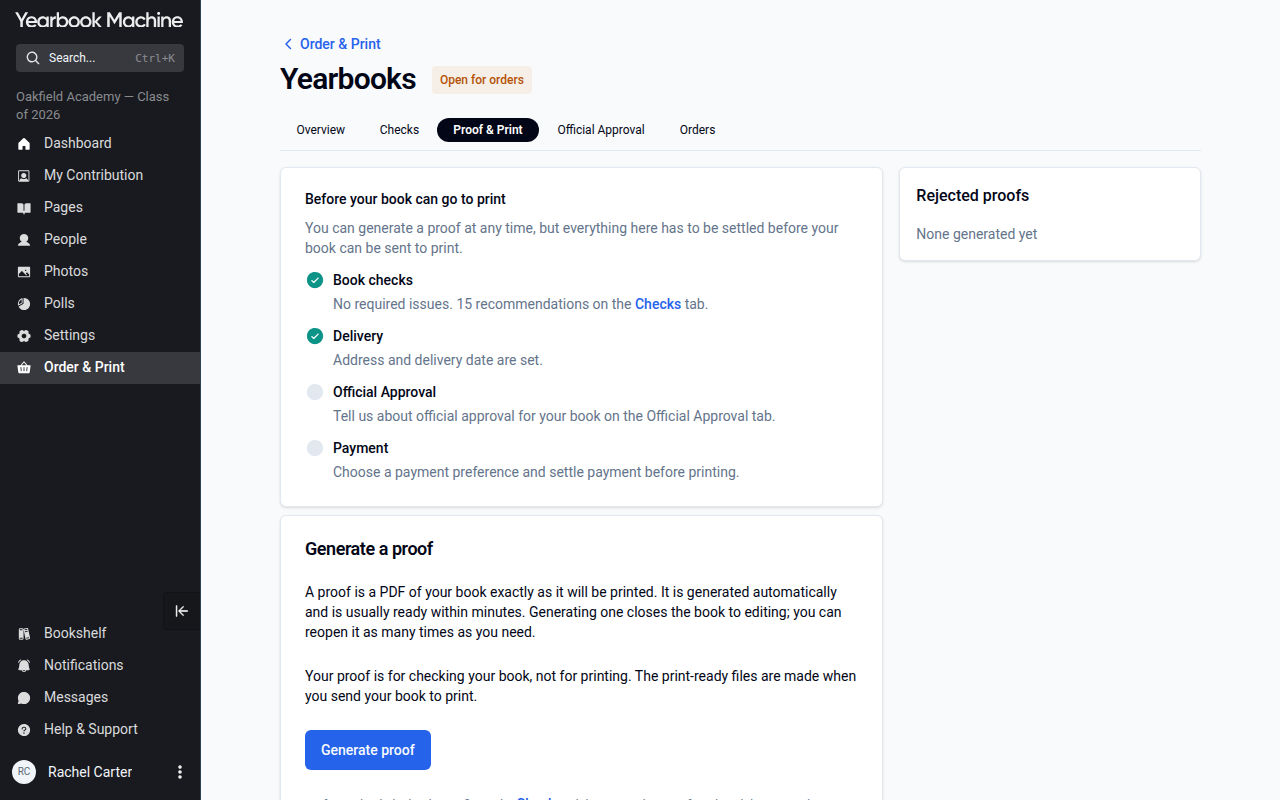
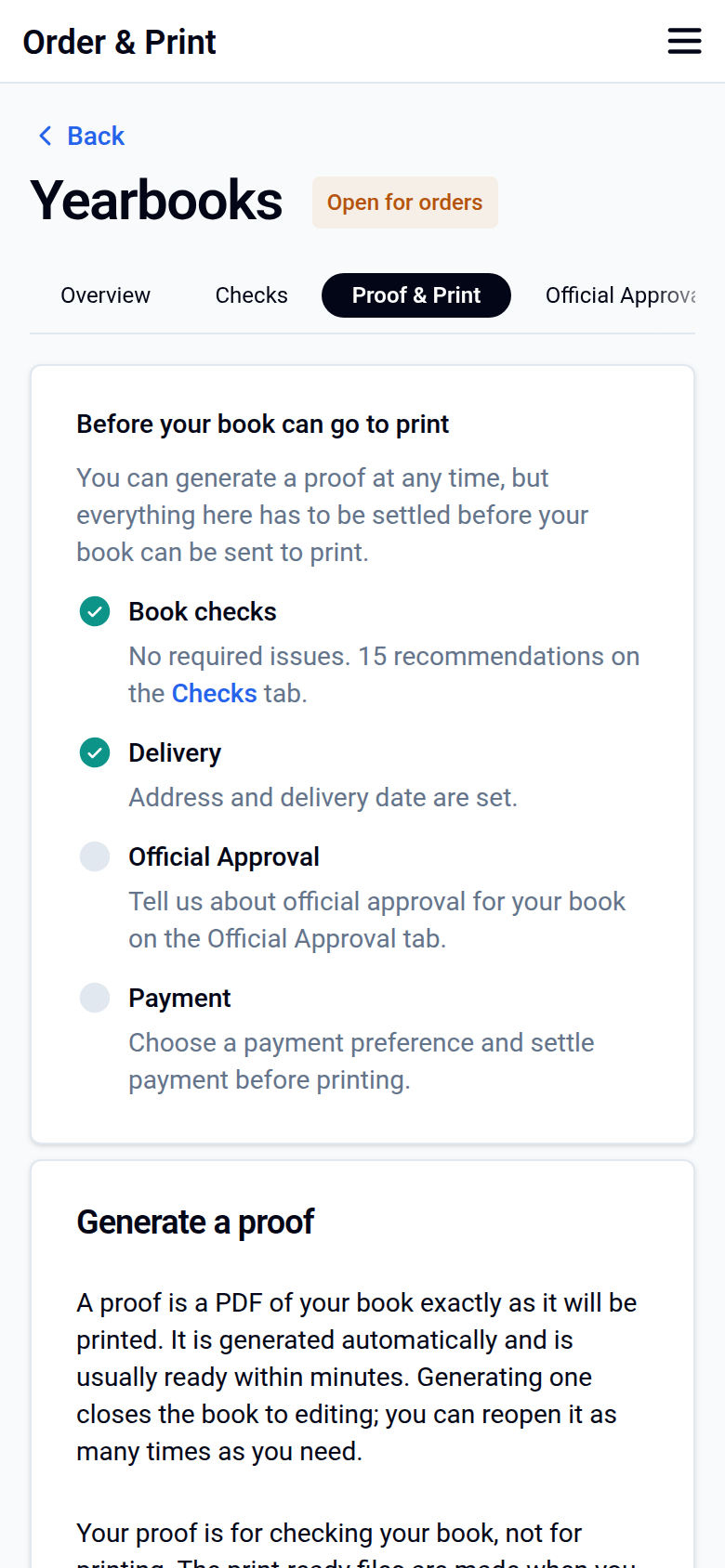
1. Get your proof
Click Order & Print, then Yearbooks, and open the Proof & Print tab. Click Generate proof; it is usually ready within minutes.
2. Approve your proof
Download and review it on the Proof & Print tab, then approve it for print there. Even if you have told us by chat or email that you are happy, you still need to approve it here. If we reopen your book to make a change, such as a cover update, please approve the new proof as well.
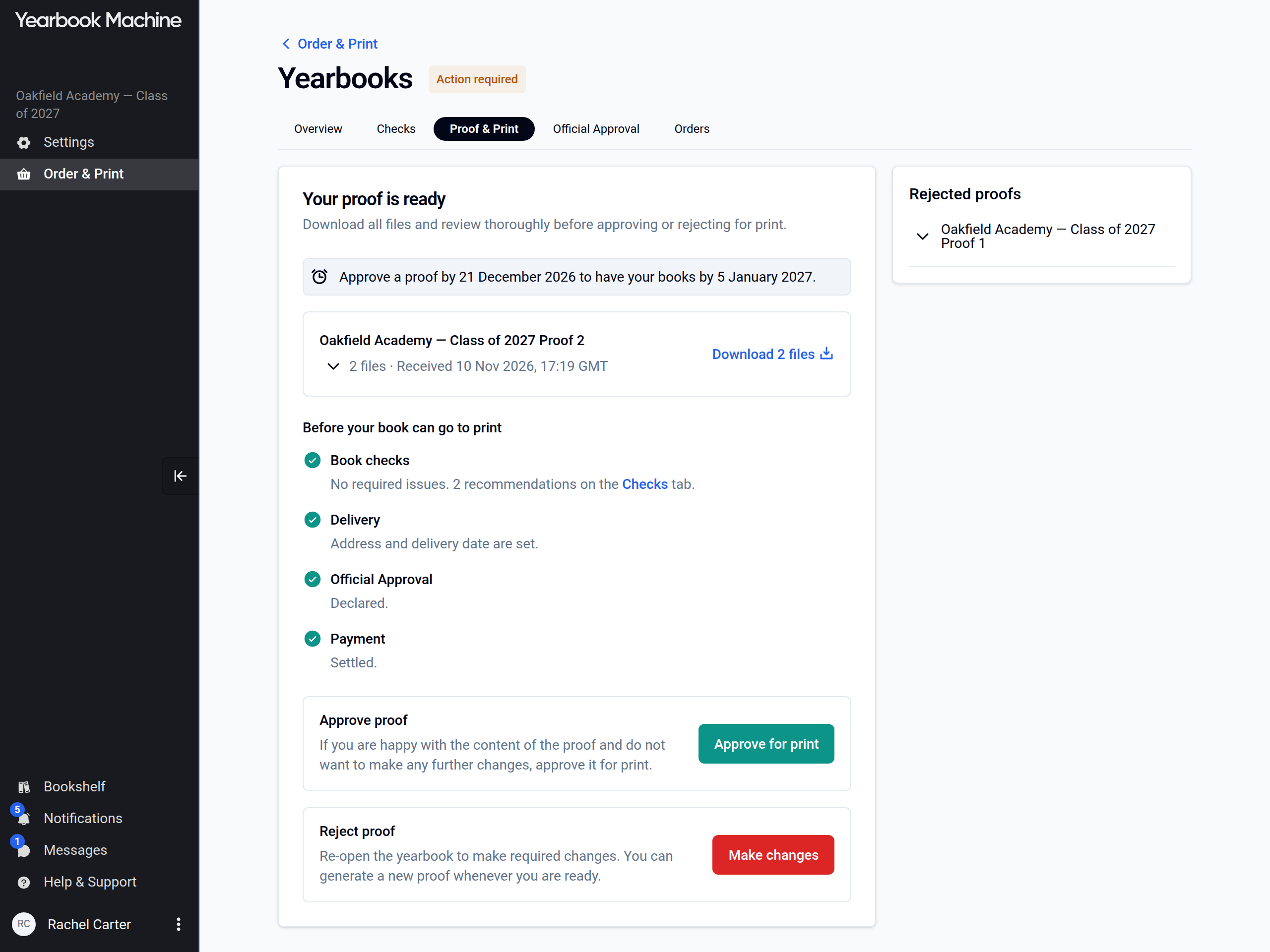
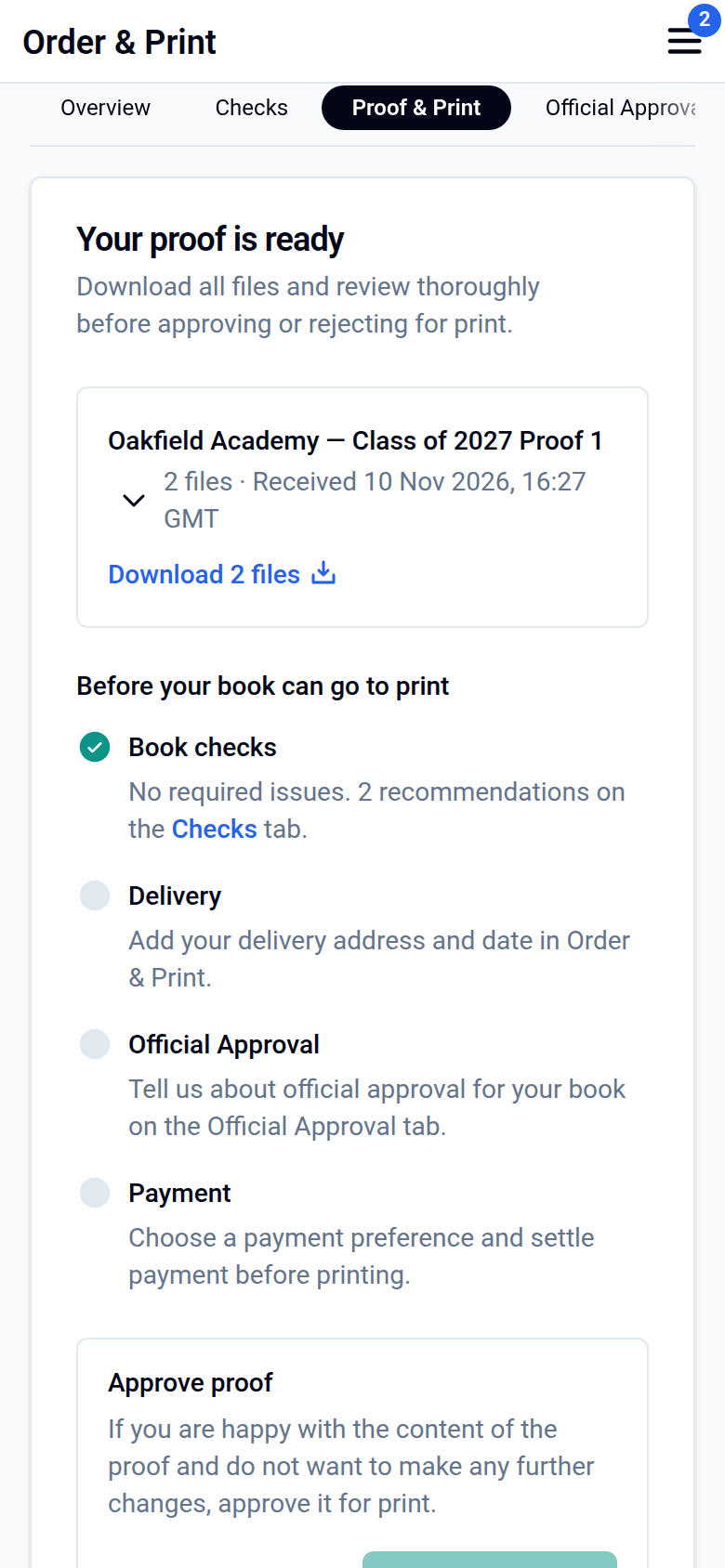
Spotted something to change? Click Make changes on the Proof & Print tab to reopen your book, make your changes, then generate a new proof. If your storefront is already live, please check with us before changing the page count or cover type, because this affects the price.
3. Pay your invoice
Pay online using the link on your invoice, or by bank transfer if the online payment doesn't work. If you pay by bank transfer, please send us your remittance advice or bank confirmation so we can get your order moving. Once payment is received, we'll confirm your estimated delivery date.
4. School approval (if needed)
If your book uses the school's name or logo, a teacher or other school authority must approve the proof. Sometimes this needs to be the head teacher. Students who appear in the book can't approve it on the school's behalf. Approvals can take longer during school holidays, so share a second contact if you can. If you remove the school name and logo, official approval isn't needed.
Can we get our books early?
Yes. If your proof is approved and payment is complete before your print deadline, your books can go into production straight away and may arrive earlier than scheduled.
Change your delivery date or print deadline
Your print deadline is worked out from your desired delivery date. To give yourself more time, or to bring the date forward:
Click Order & Print, then Yearbooks. On the Overview tab, click Edit next to Desired delivery date. In Edit dates, choose your new date and click Save changes. The date can be changed until your book goes into production.
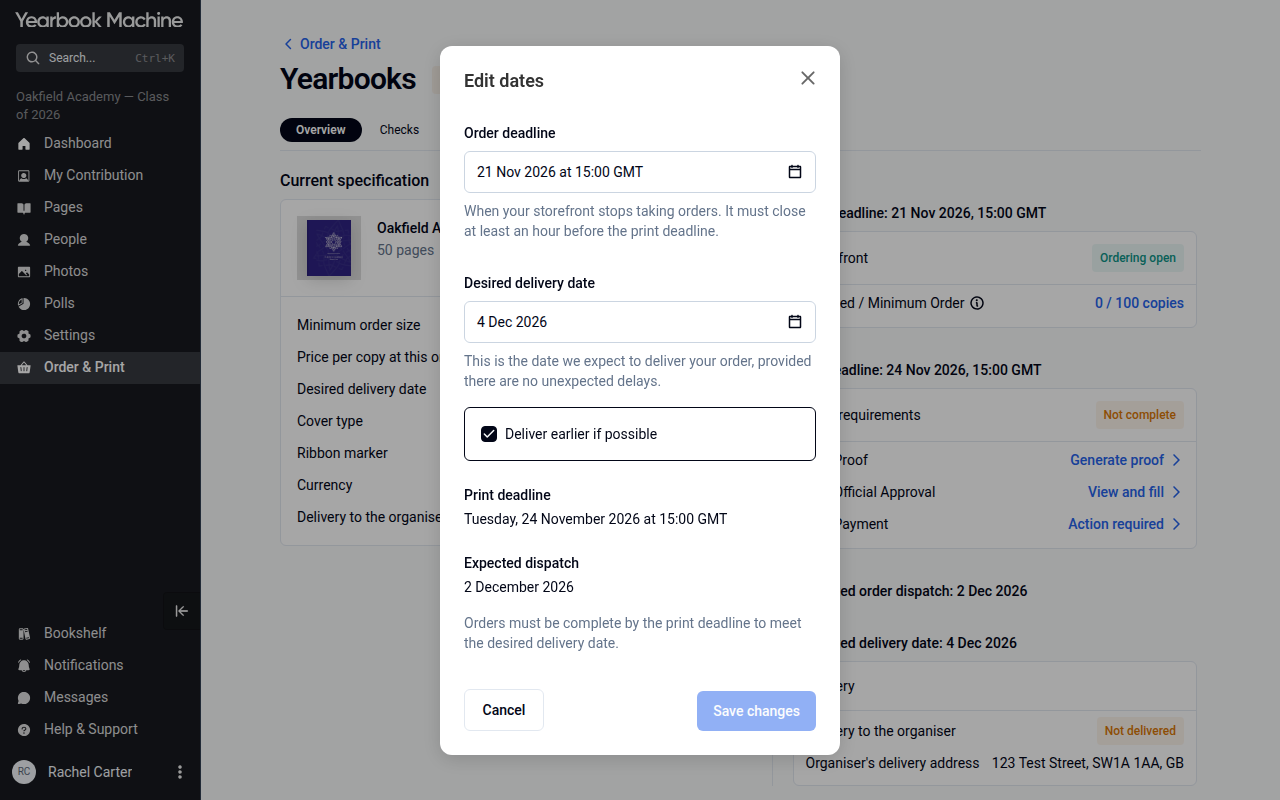
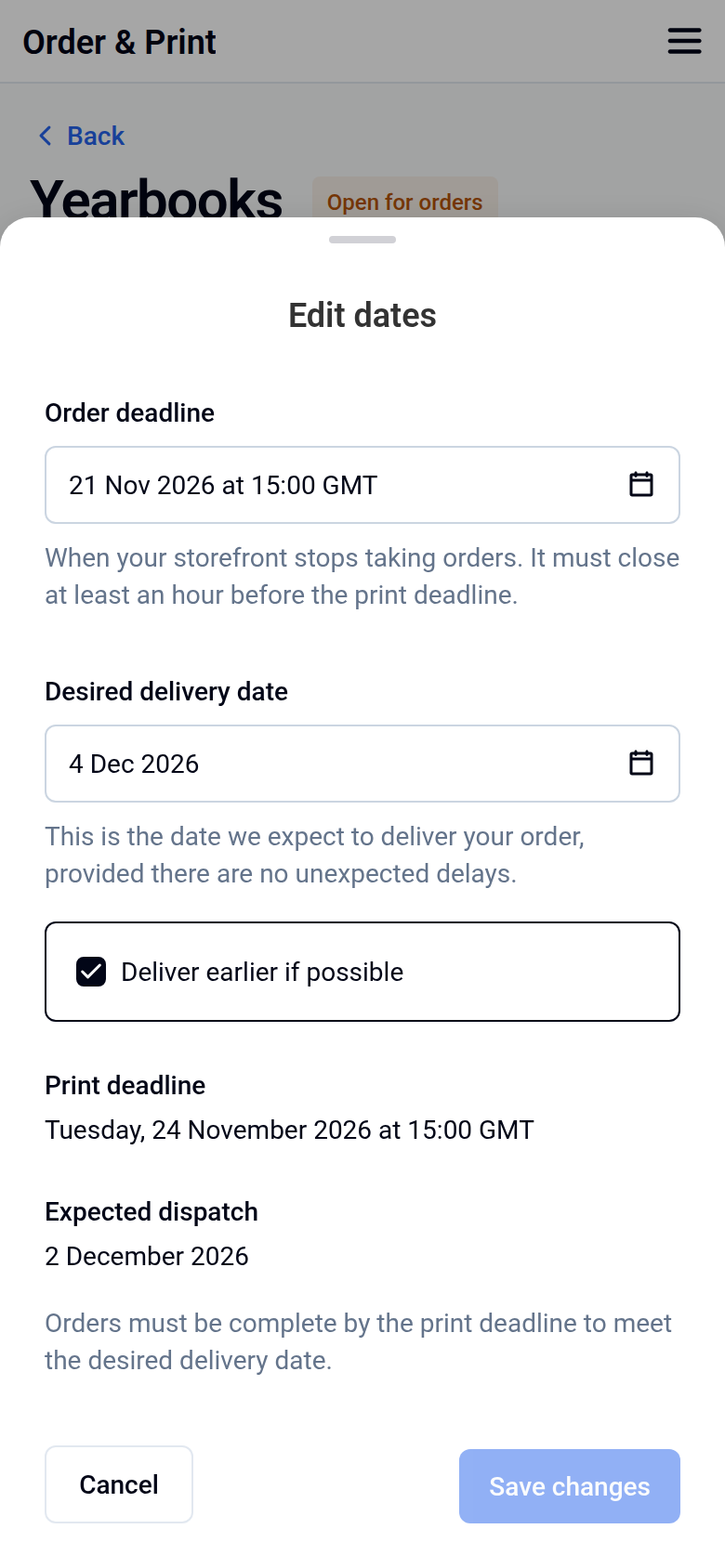
Your print deadline updates automatically once you save. Check the new date so you know how long you have to finish editing and approve your proof.
Changing the contributor deadline? Click Settings, open the Contributions tab and change the date in the Contributor deadline card, then save.
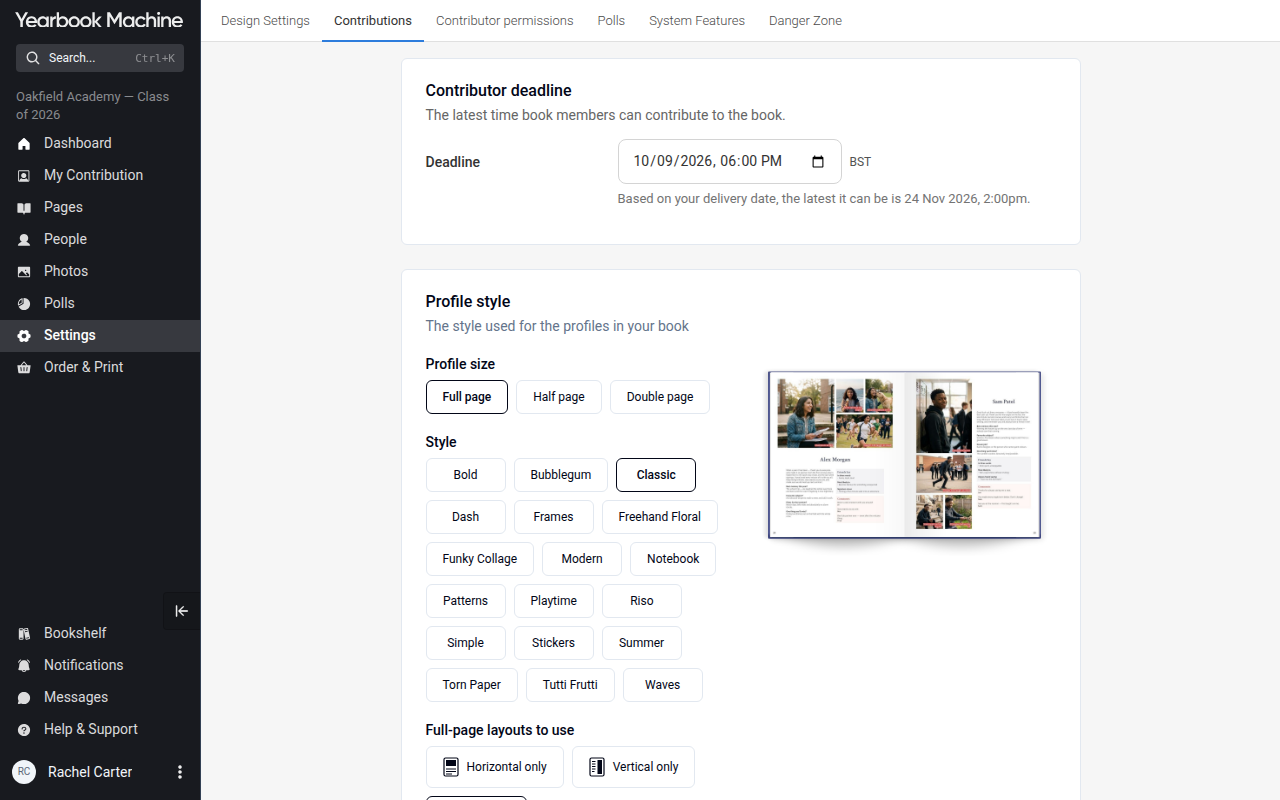
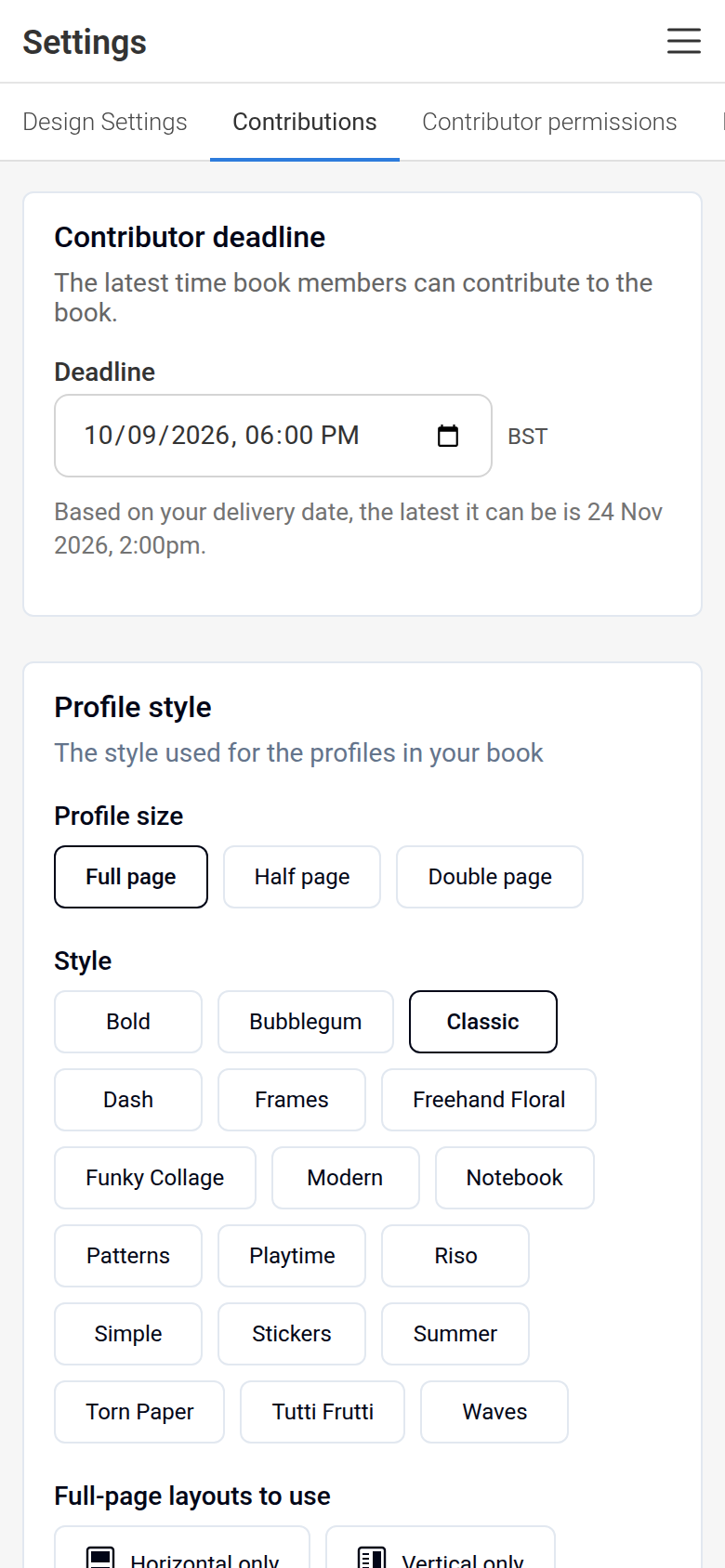
Missed a contributor deadline? Ask your yearbook editor for an extension. If you still see a missed deadline message after they've extended it, contact us and we'll clear it.
Using an online storefront
Your storefront is created when you finish the Order & Print setup. During setup you'll choose:
- Your delivery choice: central delivery, home delivery, or both. If you choose central delivery, include the address.
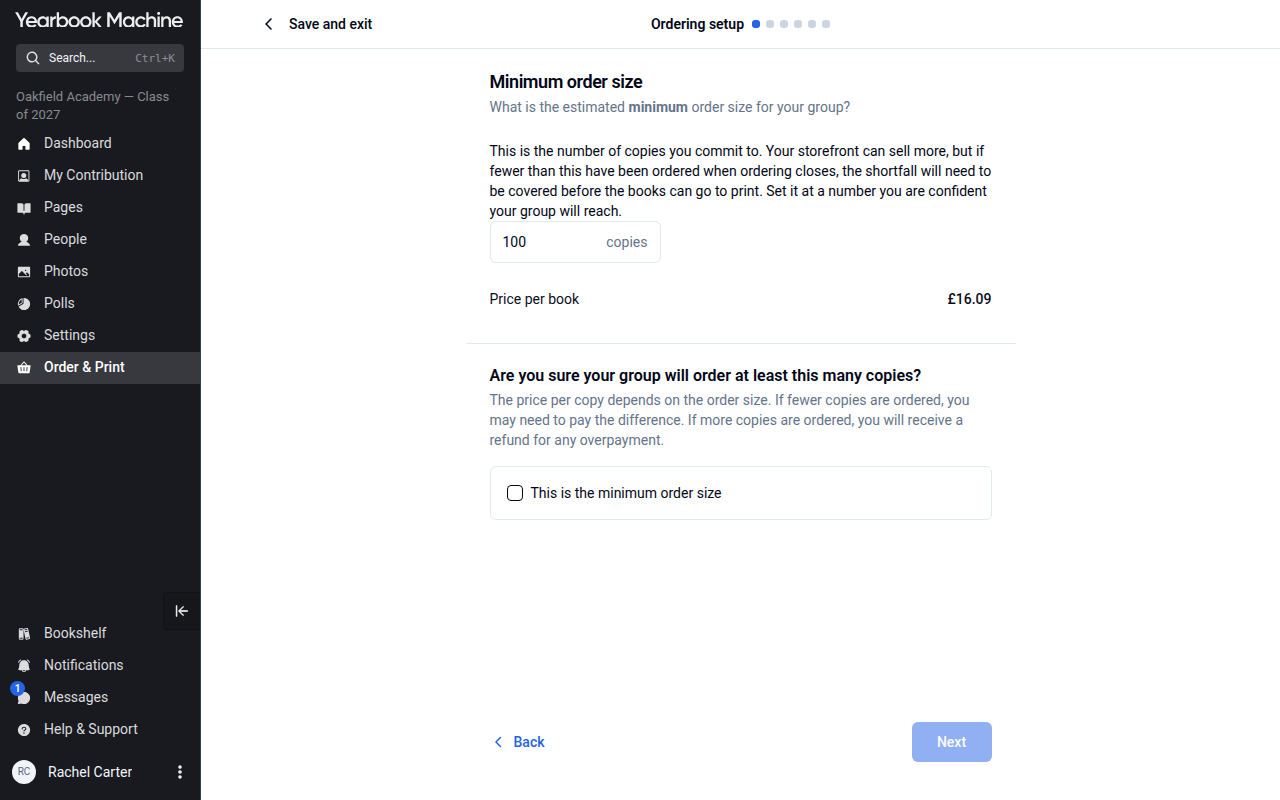
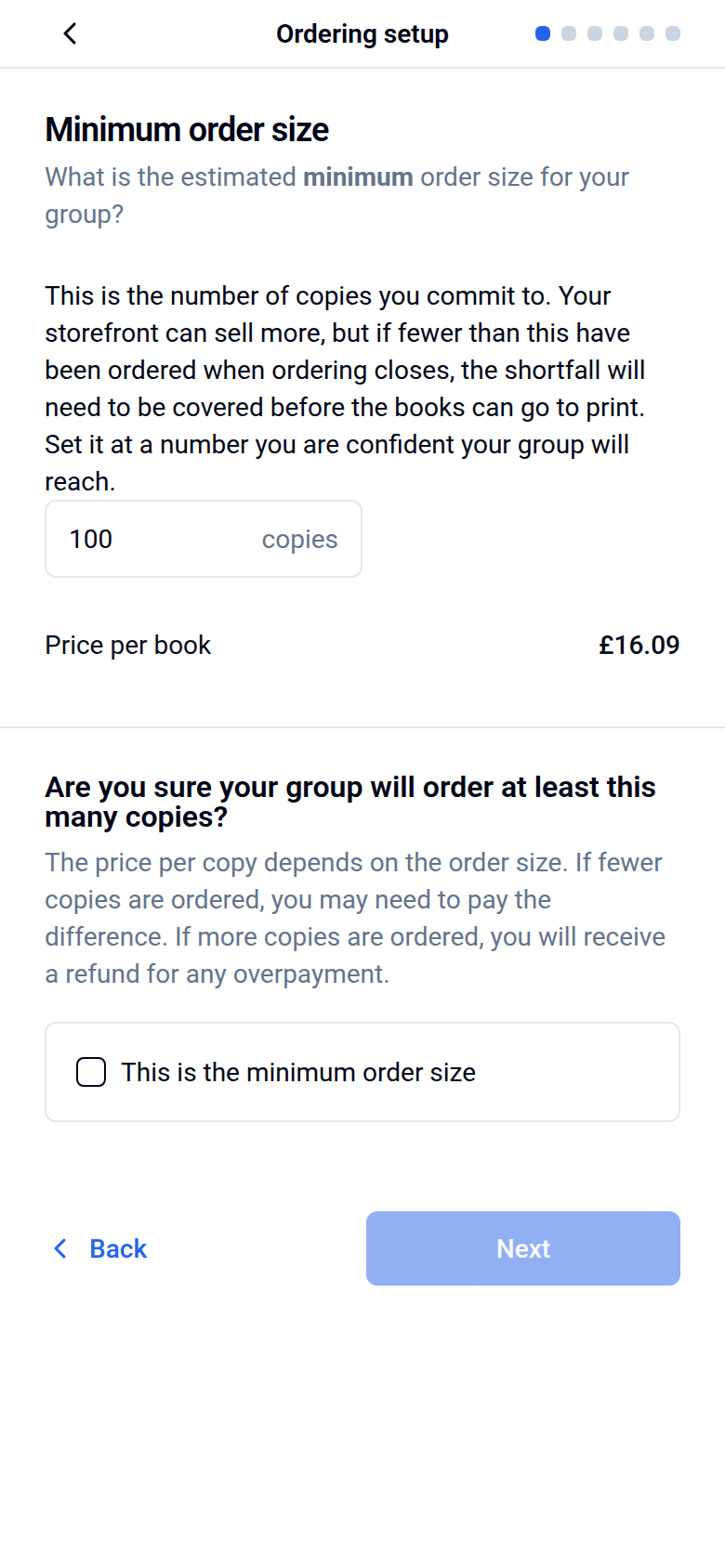
- A minimum order size: the number of books you expect to sell. We suggest aiming 10 to 15% below what you realistically expect.
- Your dates: the Desired delivery date and the Storefront order deadline, when your storefront closes to new orders.
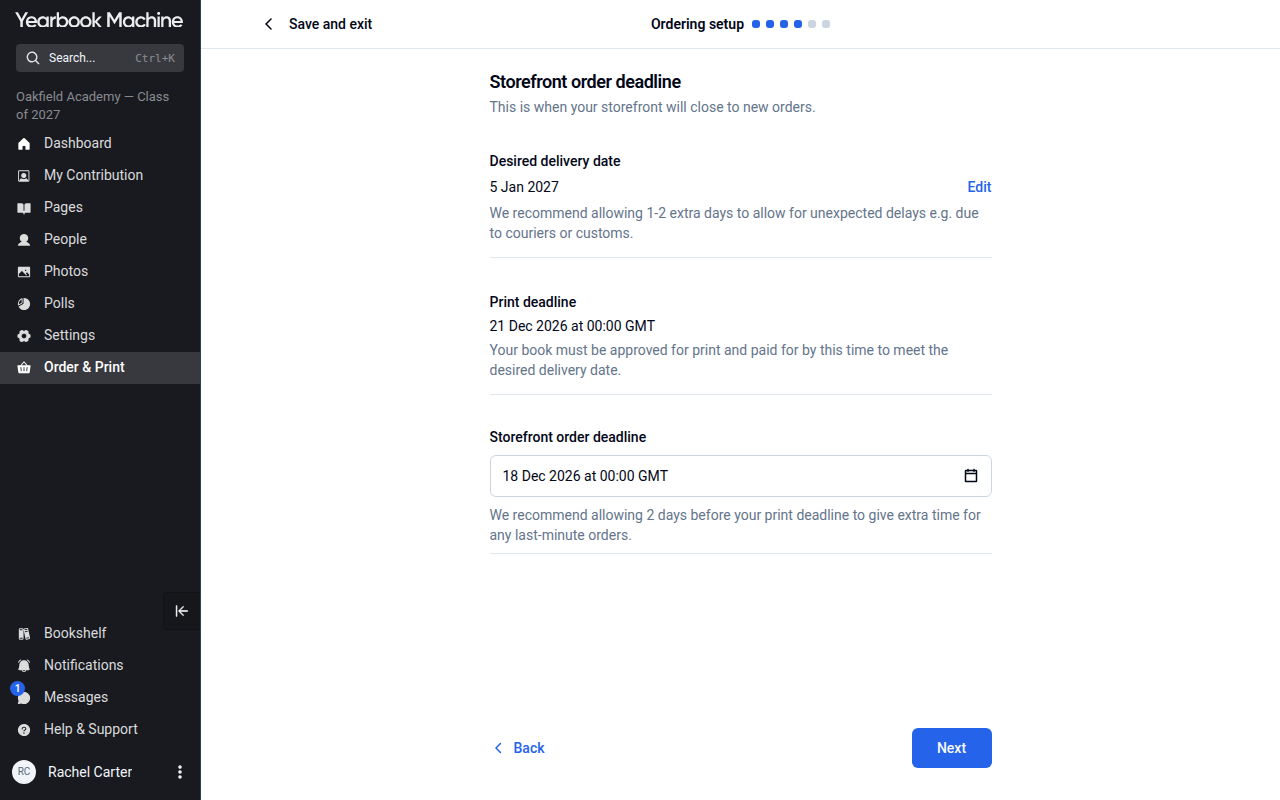
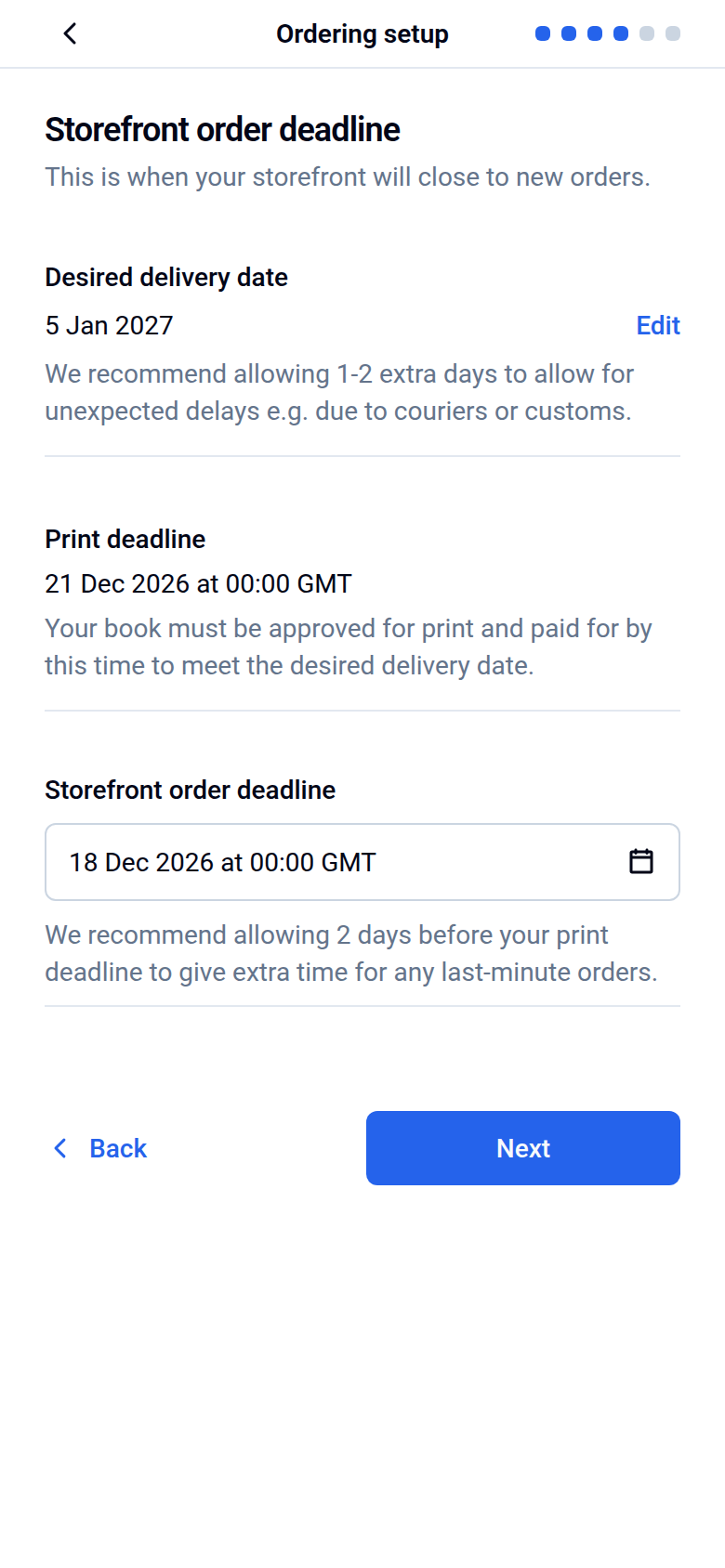
Sales slower than expected? Move your storefront's order deadline to a later date in Edit dates. It must close at least an hour before the print deadline, so a later closing date may mean a later delivery date. To see who has ordered, open the Orders tab.
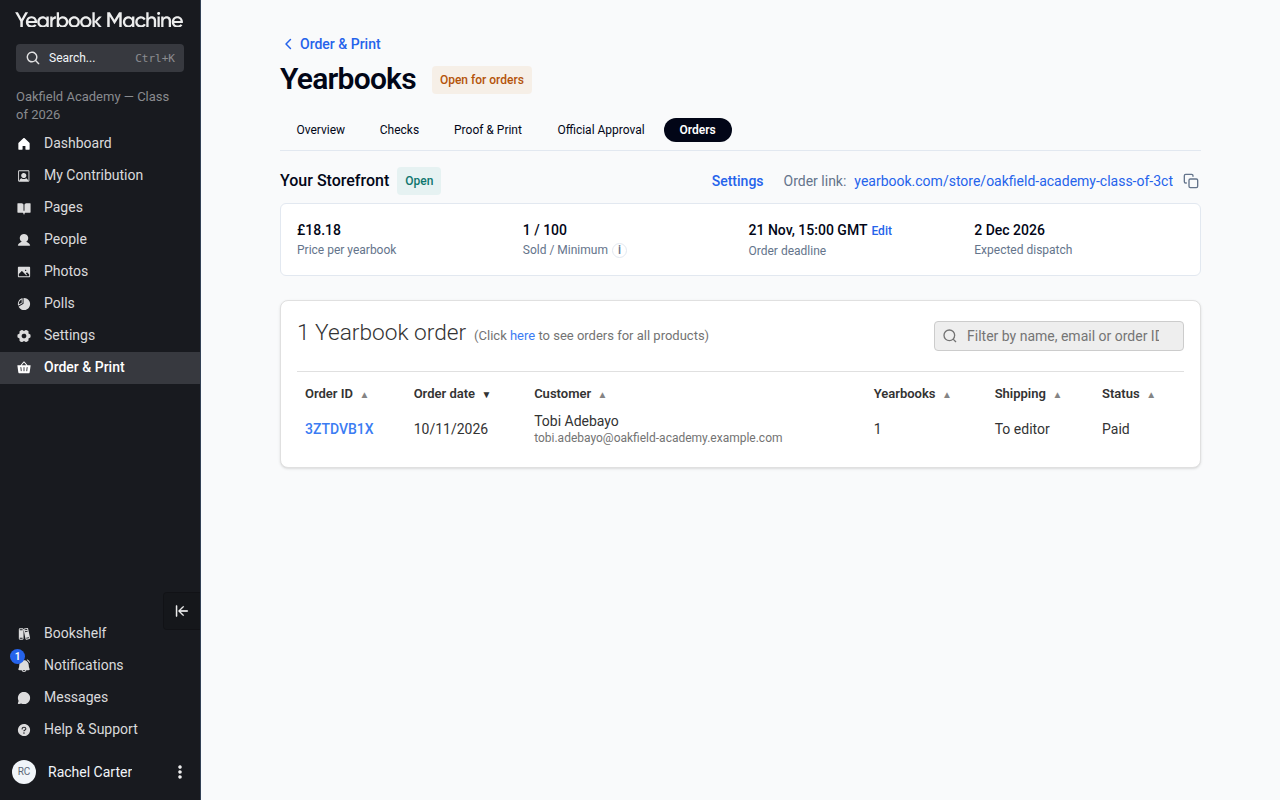
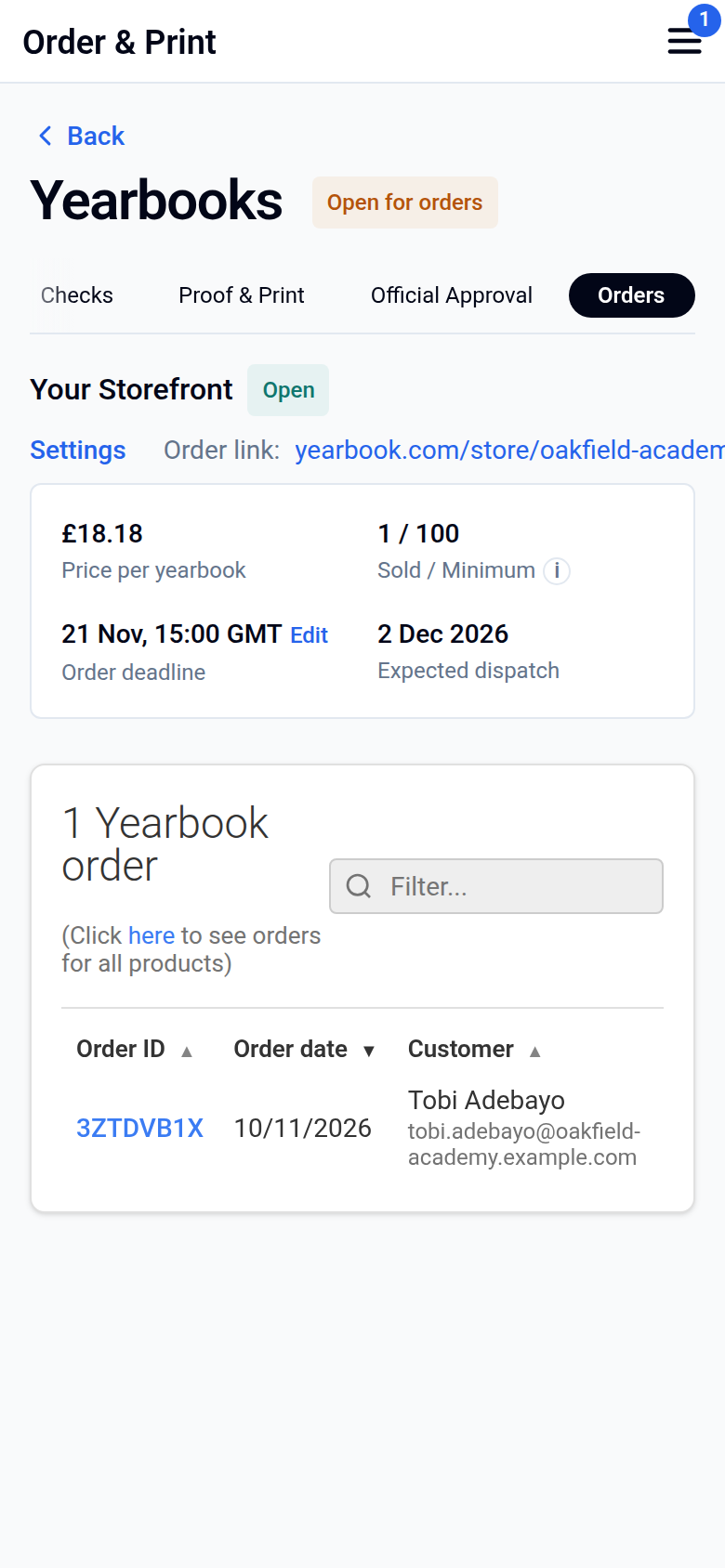
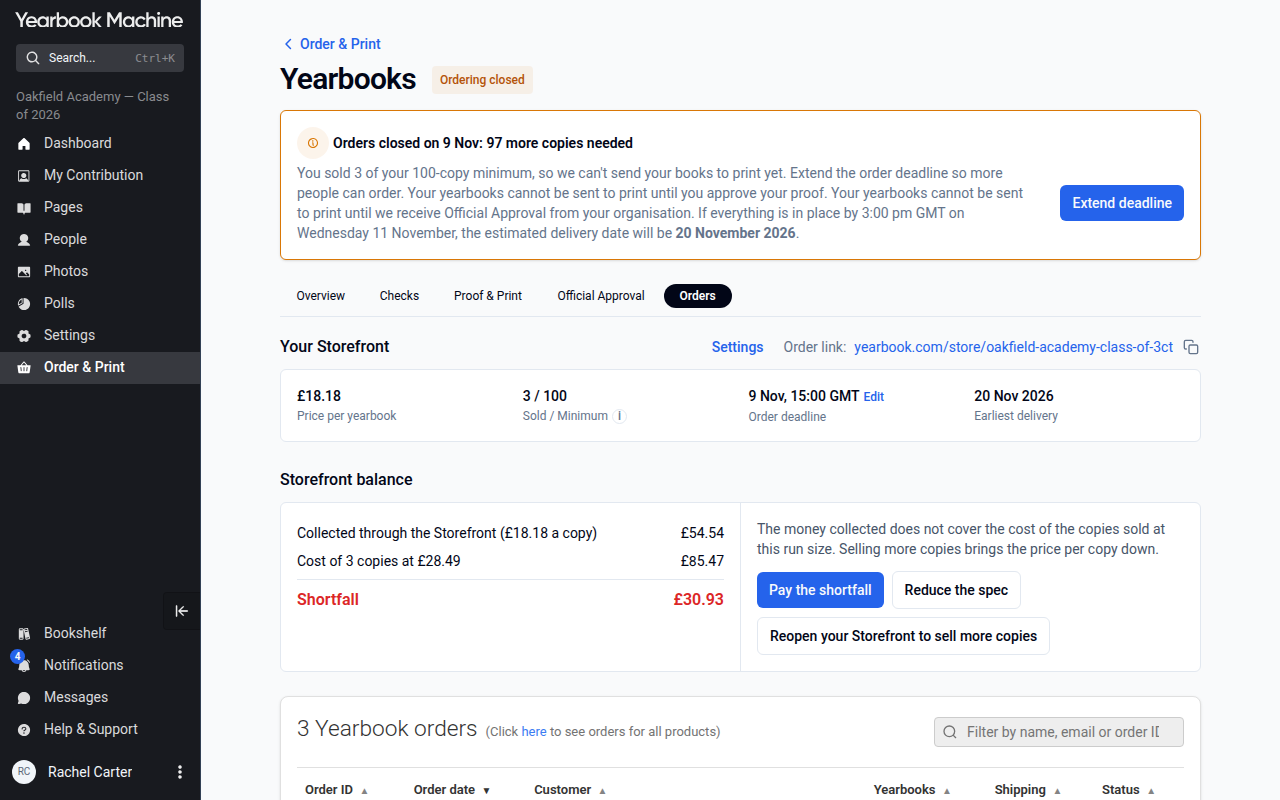
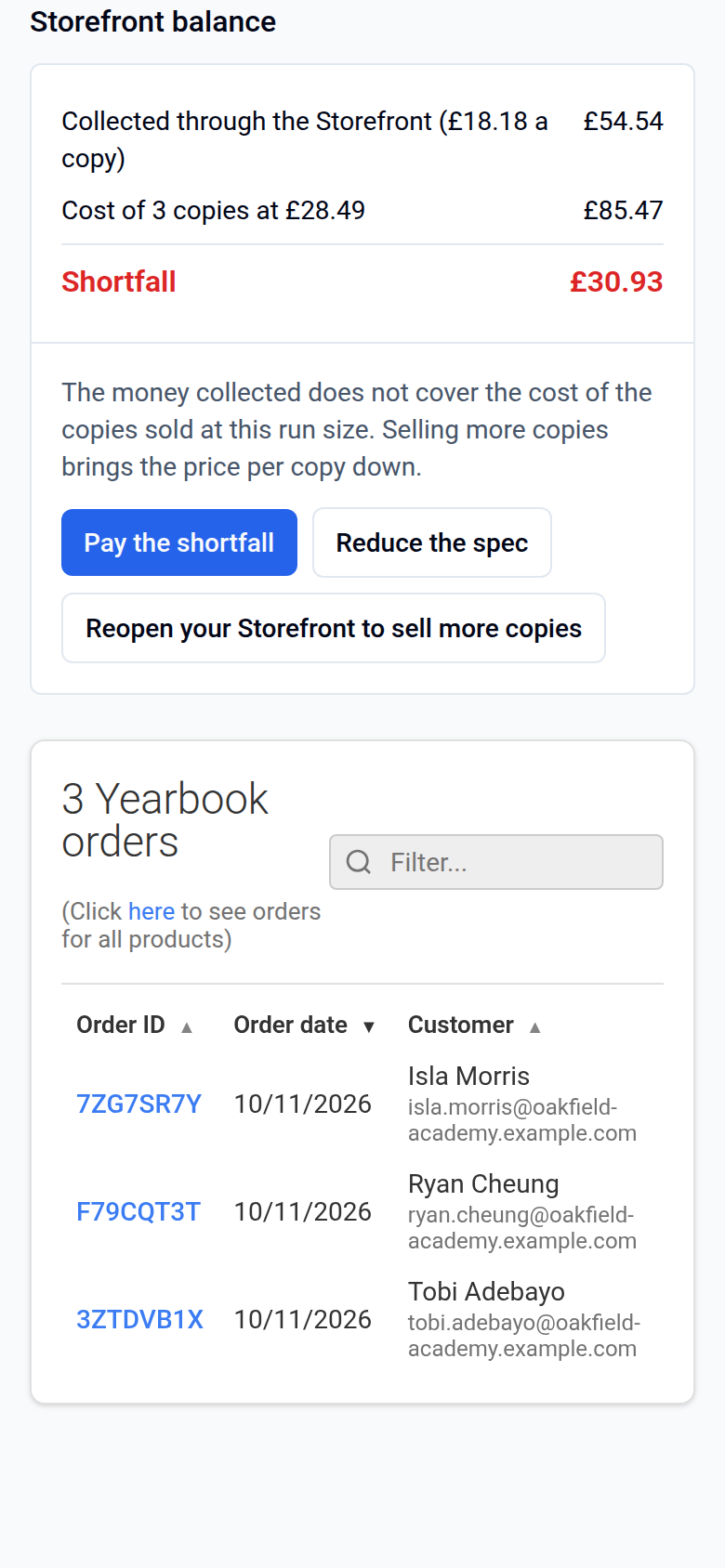
If fewer copies than your minimum are ordered, open the Orders tab of Order & Print › Yearbooks. There you can settle the difference by paying the shortfall, reducing the spec, or reopening your storefront to sell more copies. The difference must be settled before production can start, and we'll only print the books that were ordered.
If more copies are ordered than your minimum, the price per book falls. Once your storefront closes, go to the Orders tab and choose whether the surplus is refunded to every buyer or transferred to a bank account.
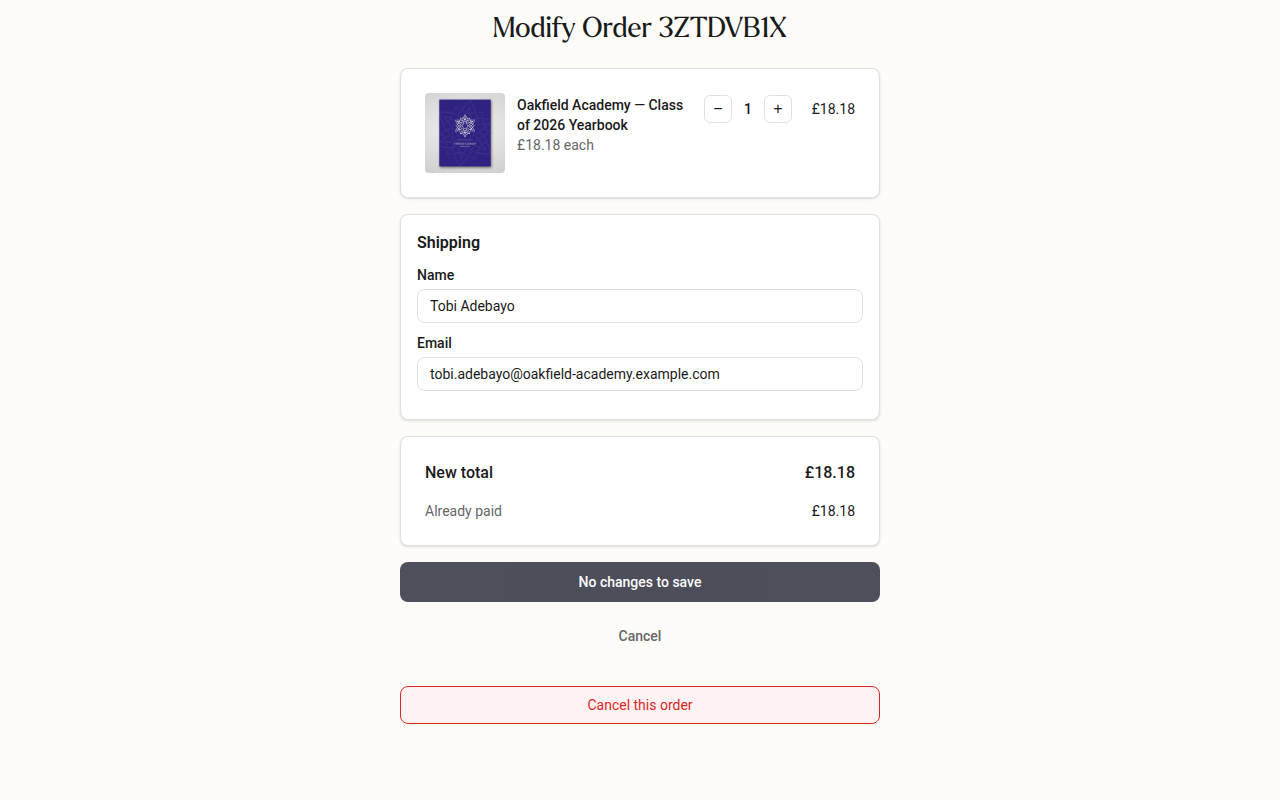
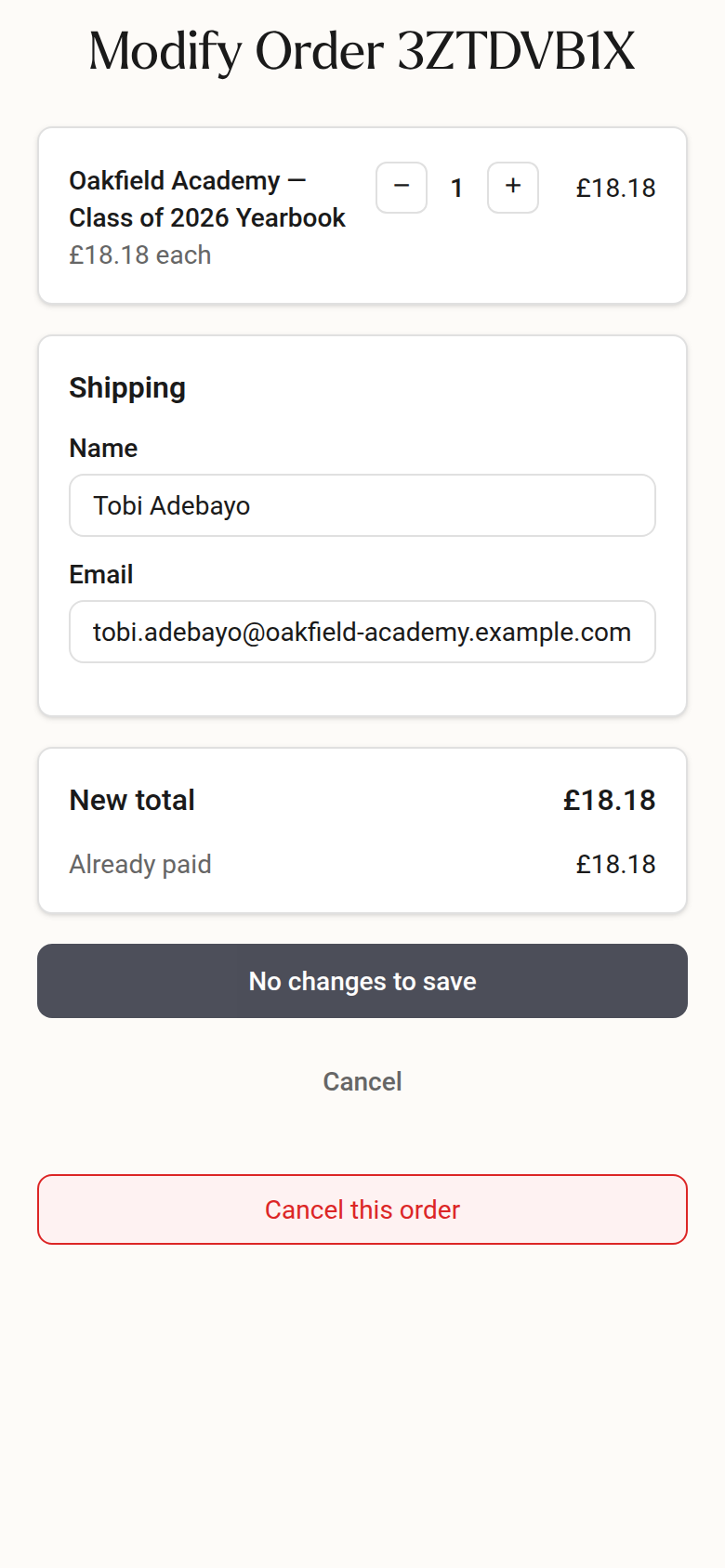
Ordered by mistake? Buyers can open their order confirmation email, click View Your Order, then change or cancel the order from the order page.
Handing out books? Ask us for your order sheet. It lists everyone who has paid, so you can check each copy goes to the right person. If you chose home delivery only, you won't need to hand out books yourself.
Need more copies after the storefront has closed? Contact us. We can reopen your storefront with a new closing date. Single copies and small reprints are possible too, usually with no minimum number of copies. We check each request with our printer and will confirm the price and details with you. With your agreement, a digital PDF copy can be another option.
Delivery options
- Free bulk delivery: delivering 10 or more books together to one address in mainland UK, such as your school, is free. A smaller order has a delivery charge, which the pricing calculator shows.
- Individual home delivery: books can be sent to individual addresses for a delivery fee per copy. The pricing calculator and the storefront checkout show the cost.
- A mix of both: you can send some books to one central address and others to individual homes. On a storefront, buyers can choose at checkout when you've chosen both delivery methods in the setup.
- International delivery: we deliver overseas too. Choose the destination country when you set up ordering, and the setup works out the delivery cost and dates and asks the customs questions. You can also select your destination country in our online pricing calculator for a guide price.
Would you rather your book came to your home instead of school? Contact us with your full home address. There's no extra charge. We'll confirm the change and send you tracking details once it's dispatched.
Charged for delivery on a school collection order? School collection is free. If you've been charged by mistake, we'll be in touch and you can choose either home delivery at no extra cost, or keep school collection and have the delivery fee refunded to your card.
To check which address your order is being sent to, just contact us.
Track your parcel
When your order is dispatched, we'll email you a tracking link.
- Open your dispatch email.
- Click the carrier tracking link.
- Check the latest updates for delivery status and any messages from the courier.
If something goes wrong with delivery
- Tracking says delivered but you haven't got it: check the tracking notes. Couriers sometimes leave parcels with a neighbour or in a safe place.
- Returned to sender, for example because of an address problem: contact us and confirm your full, current delivery address. We'll resend your parcel once it's back with us.
- Held at a local pickup point: if you can't see the details online, contact us for the pickup point address. Take ID that matches the name on the parcel label. We can tell you which name is on the label.
- Our labelling mistake: if we send your parcel to the wrong address because of an error on our side, we'll contact you and refund your postage to your original payment method. You can choose a reprint straight away or wait for the original parcel to come back to us. We'll send your replacement to an updated address at no extra cost, even if it's overseas. If the original parcel reaches you anyway, please keep it.
- Held by customs abroad: in some countries, such as Germany, the recipient must contact the courier's customs team directly. Have your organisation's Tax ID and EORI number ready. We can give you the tracking number and customs contact details.
- Still getting deadline reminders after you've paid: contact us and we'll check which book your order and payment are linked to.
Was this article helpful?
Sorry, that didn't send. Please try again in a little while.
Thanks. That helps us improve this article.
Any other questions?
Email support@yearbook.com and we'll help you out.