
Feature requests and product updates
We love hearing what you'd like your yearbook to do next. This guide explains what to do when you need something we don't offer yet, and how to set up the questions your pupils answer.
Asking for something we don't offer yet
If you need an option that isn't available, contact our support team and tell us what you're trying to do. We'll:
- explain what's possible today
- suggest the closest alternative that works now
- share any options we're exploring, so you can tell us what would work for you
Your feedback helps shape what we build next.
Example: digital-only yearbooks
We don't currently offer a digital-only yearbook. Digital access comes with a printed order.
We're exploring a combined print-and-digital option. If this interests you, tell us your group size and what you'd like included.
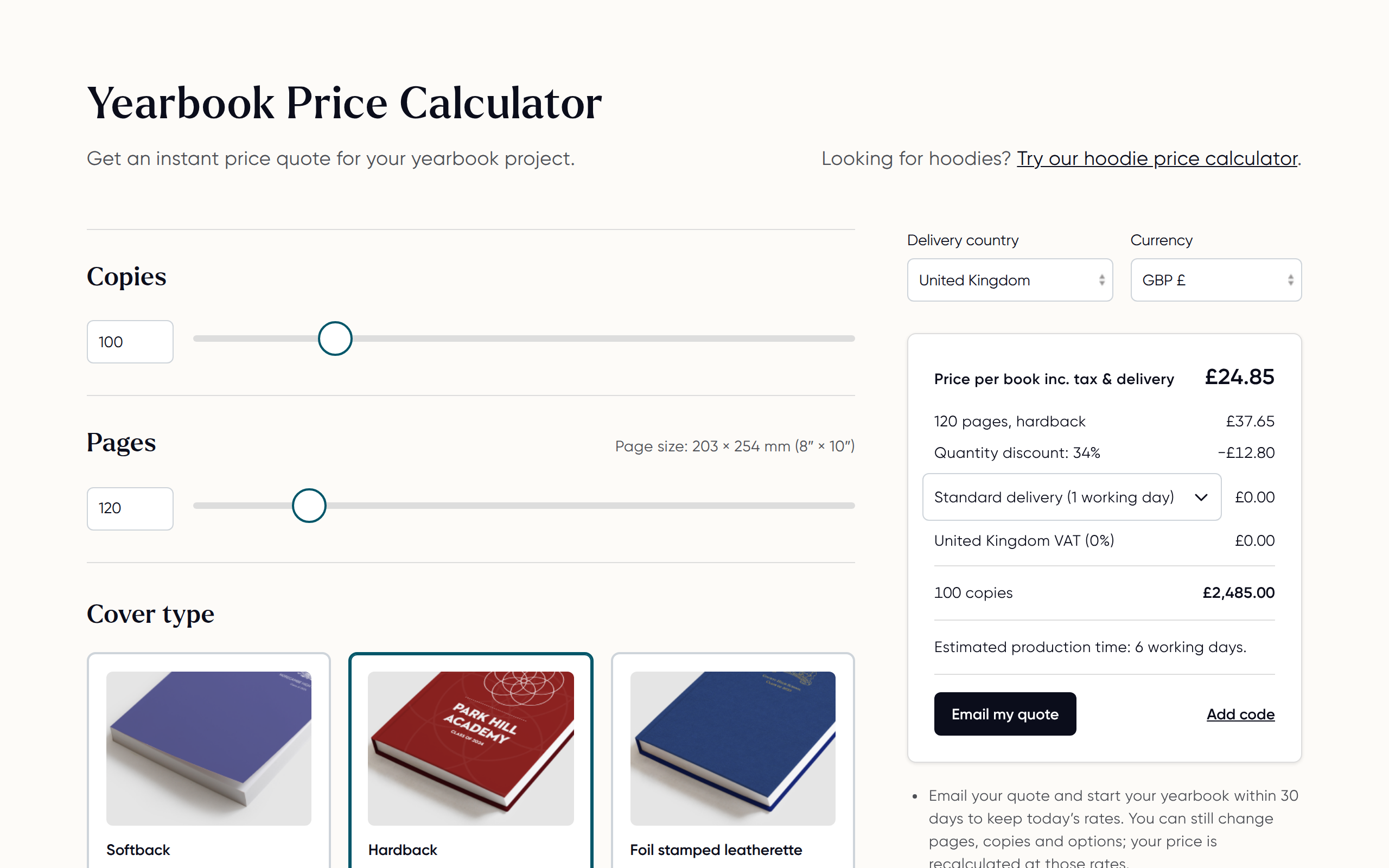
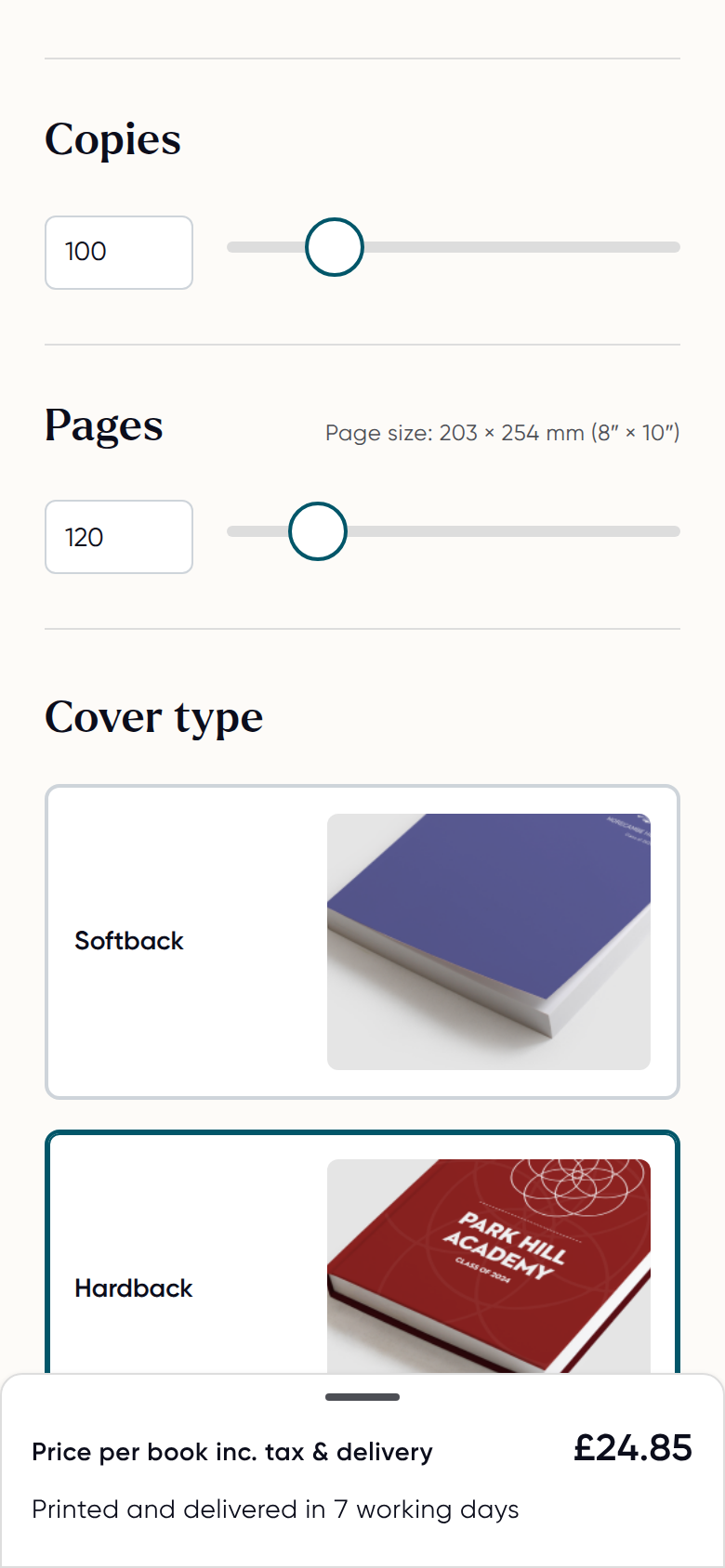
In the meantime, you can use our online pricing tools to work out costs for different page counts and quantities.
Choosing the questions your pupils answer
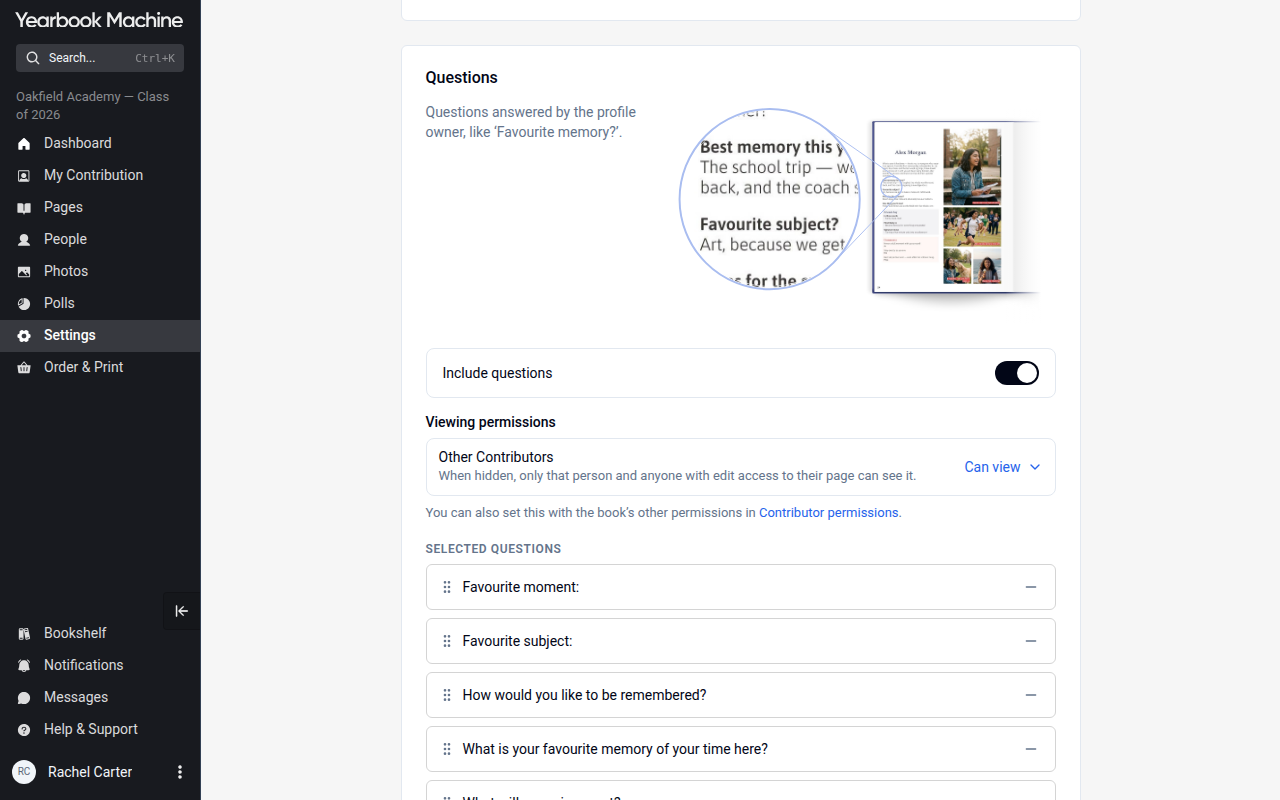
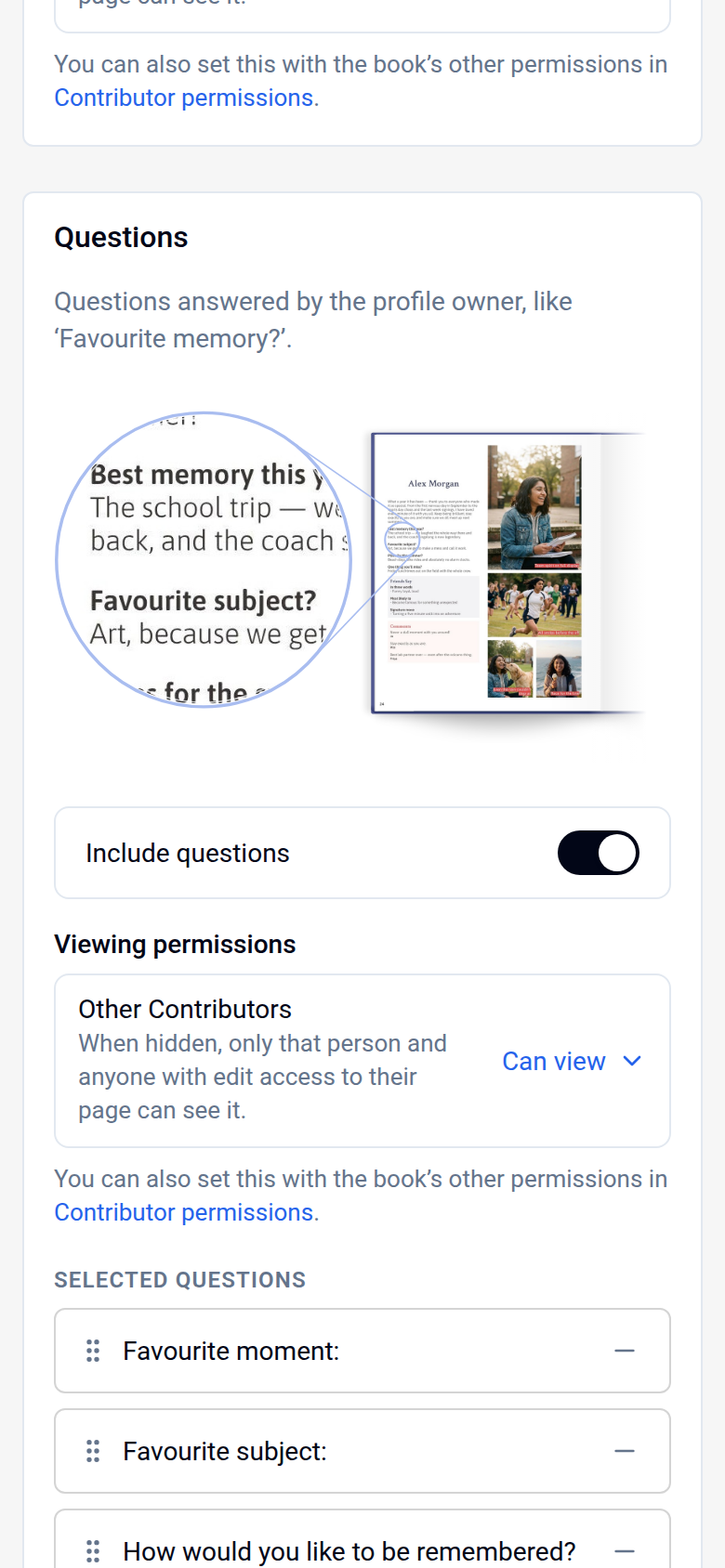
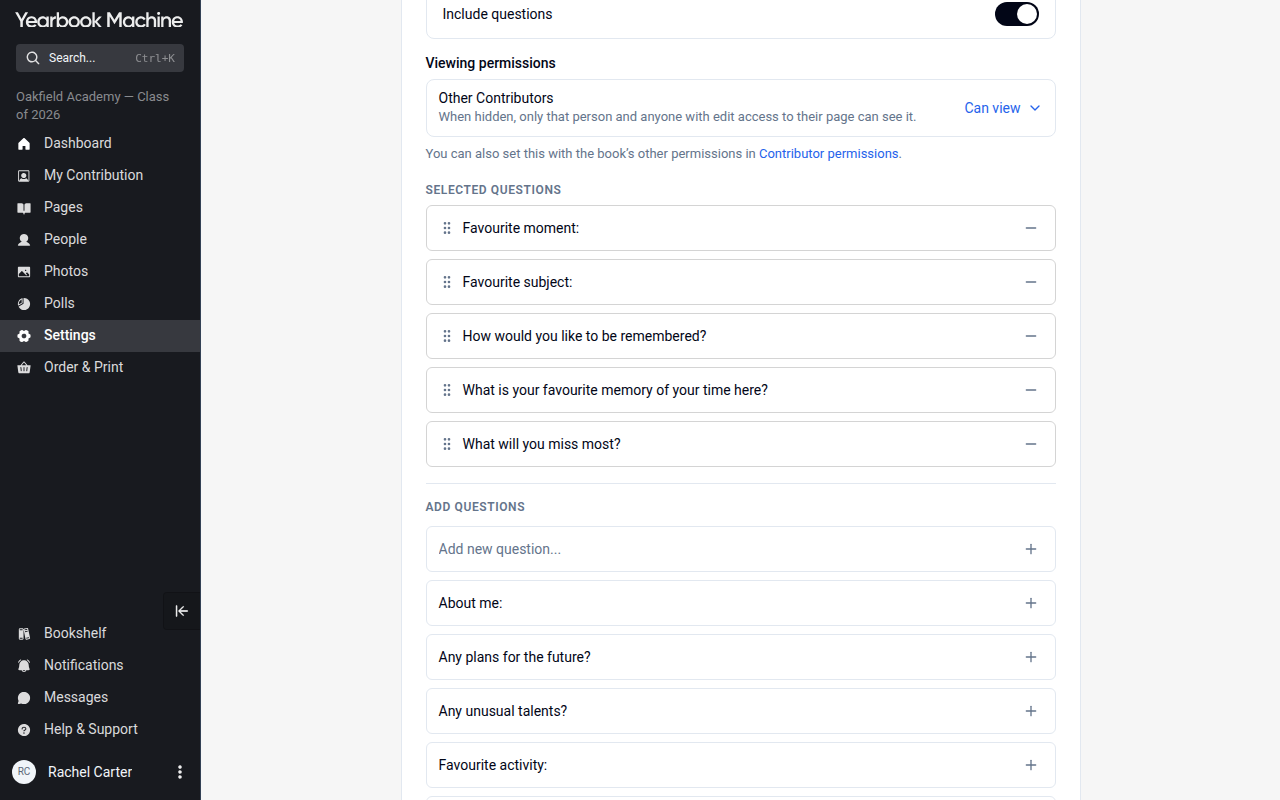
You can set the questions pupils answer for their yearbook entries in your book settings.
- Click Settings in the main menu. Only the book's editors can see it.
- Select the Contributions tab.
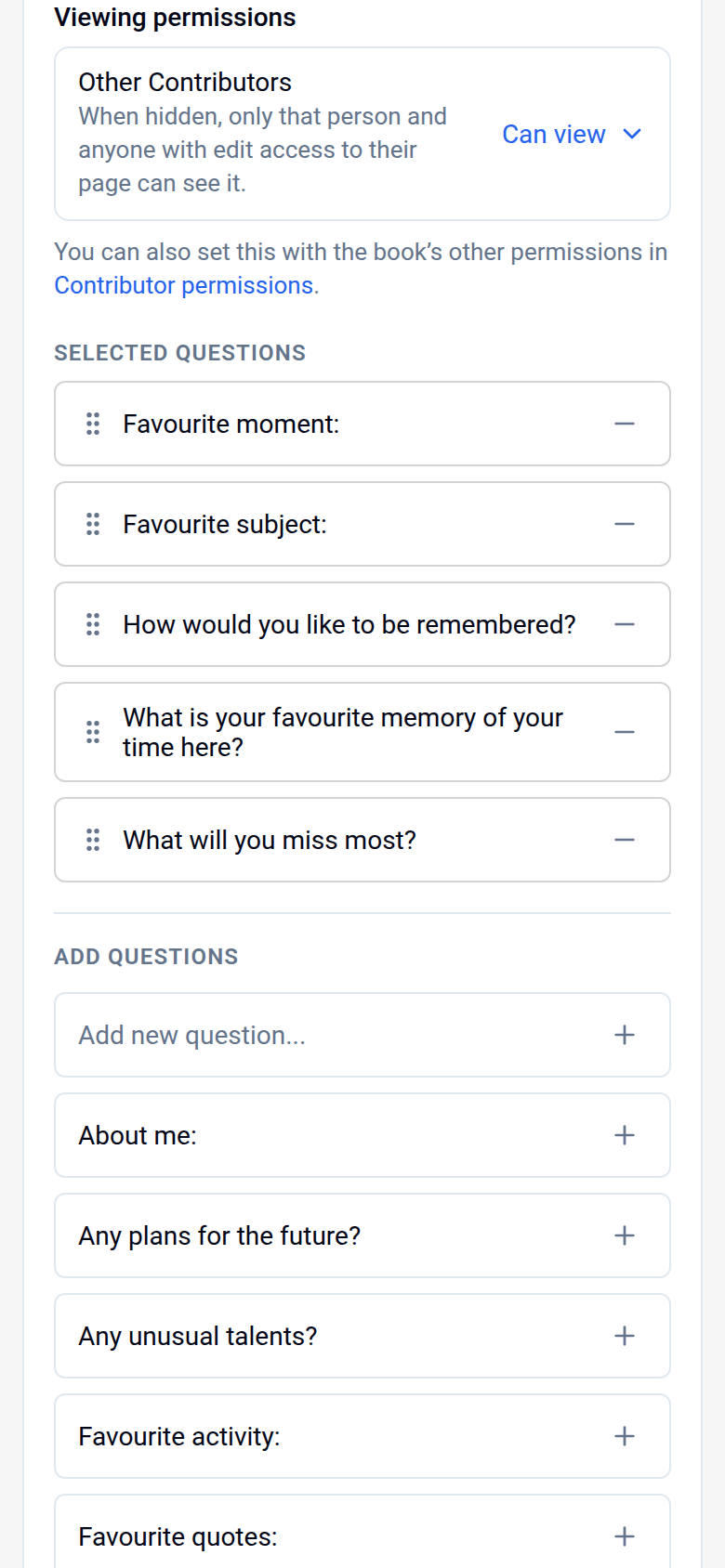
- In the Questions card, check that Include questions is switched on. Then, under Add questions, click + beside a suggested question, or type your own question in the Add new question... box at the top of the list and click +.
- Click Save in the bar at the bottom of the screen. Your questions are not kept until you save.
Prefer to be guided step by step?
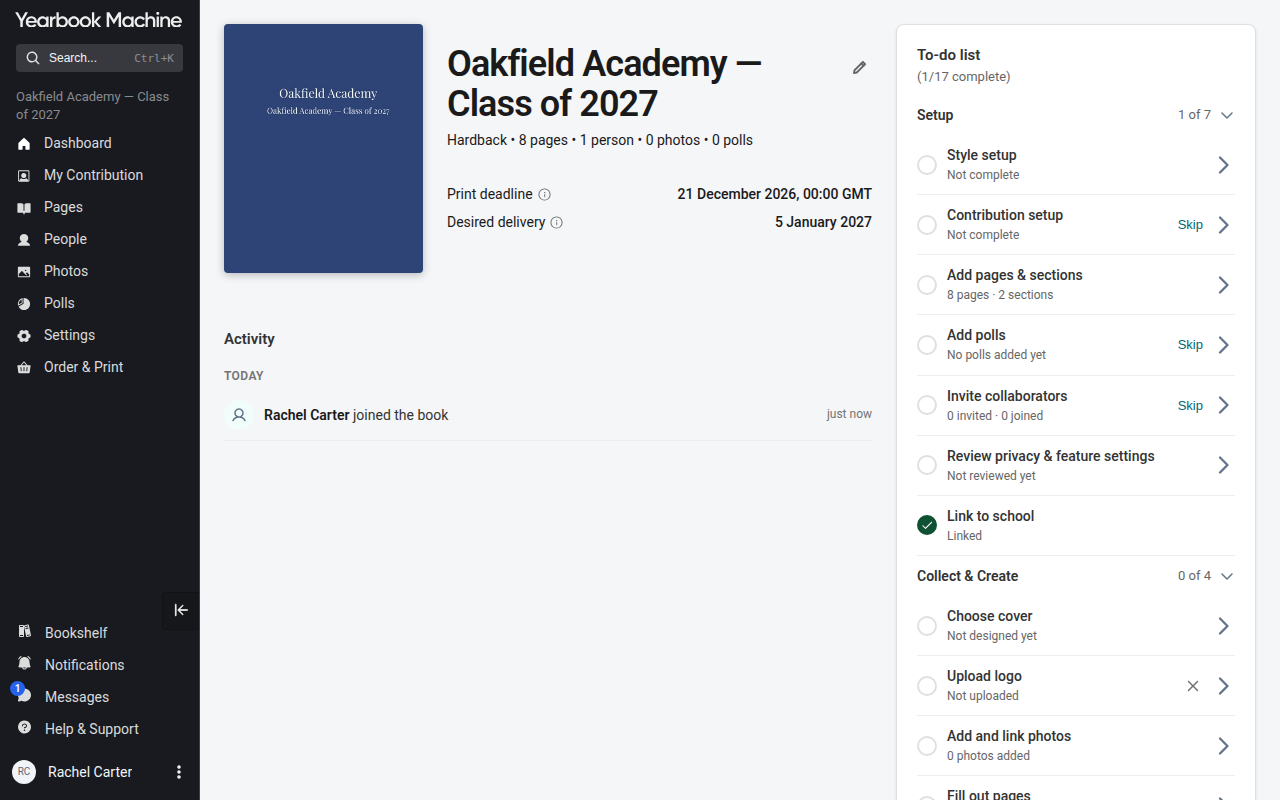
You can set up your pupil questions with the Contribution setup wizard instead.
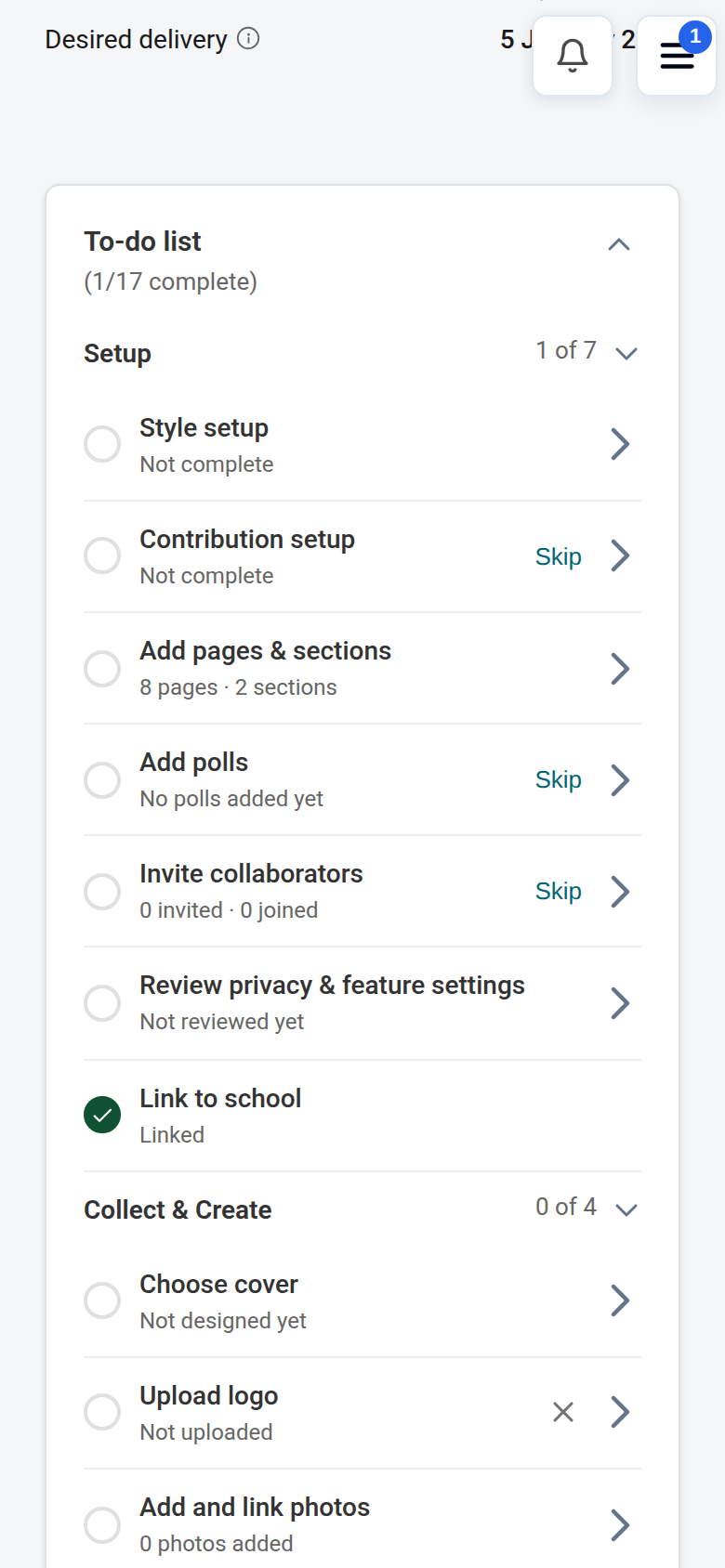
- On your book's Dashboard, click Contribution setup in the to-do list (or go to My Contribution and click Set up now).
- Follow the steps to add your pupil questions.
- Finish the wizard to save your setup.
Need help?
If you can't find something you use, contact our support team. We can send you a direct link to the right page, help you add your first questions, or talk you through it by phone.
If you'd like to suggest a new feature, we'd love to hear from you too.
Was this article helpful?
Sorry, that didn't send. Please try again in a little while.
Thanks. That helps us improve this article.
Any other questions?
Email support@yearbook.com and we'll help you out.