
Production batches: delivery dates and print deadlines
When you order your yearbooks, your order is grouped into a production batch. Each batch has its own settings, including the date you'd like your books delivered. That delivery date sets your print deadline, so it's the setting most worth checking.
How your print deadline works
You can keep editing your book right up to its print deadline. You'll find it on the Overview tab of Order & Print › Yearbooks, and on your Dashboard.
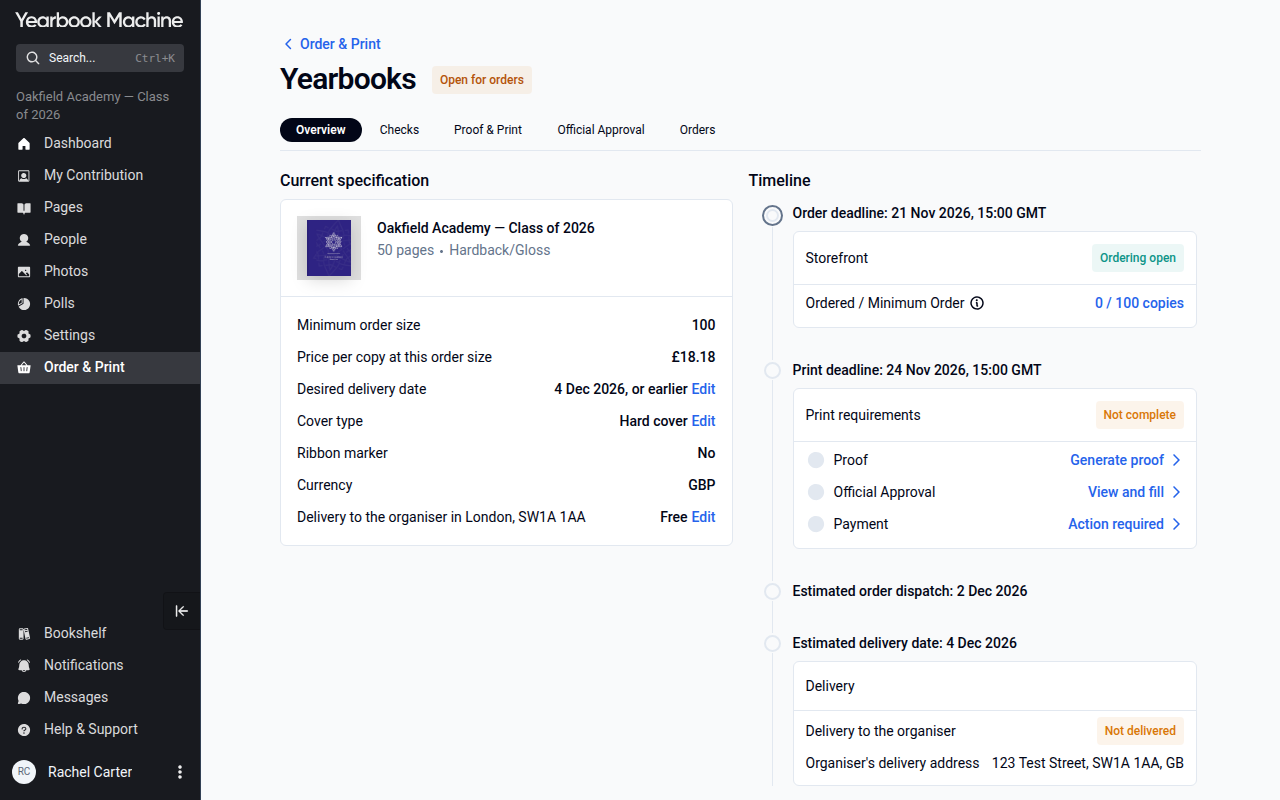
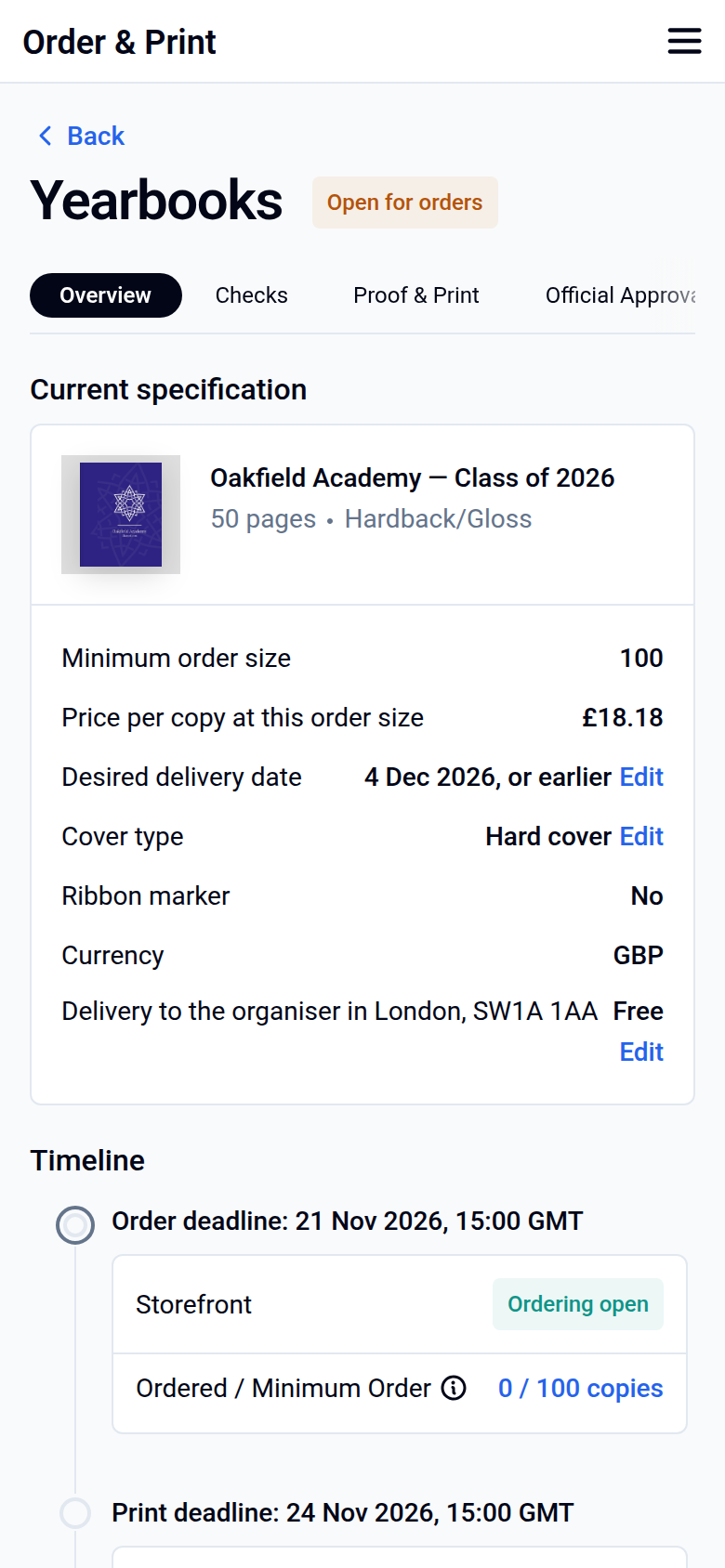
The print deadline is linked to your desired delivery date. If you need more time, or the deadline has already passed, choose a later delivery date and the print deadline moves with it.
Changing your delivery date and print deadline
- Click Order & Print, then Yearbooks.
- On the Overview tab, click Edit next to Desired delivery date. This opens Edit dates.
- Choose your new date and click Save changes. Your print deadline updates to match.
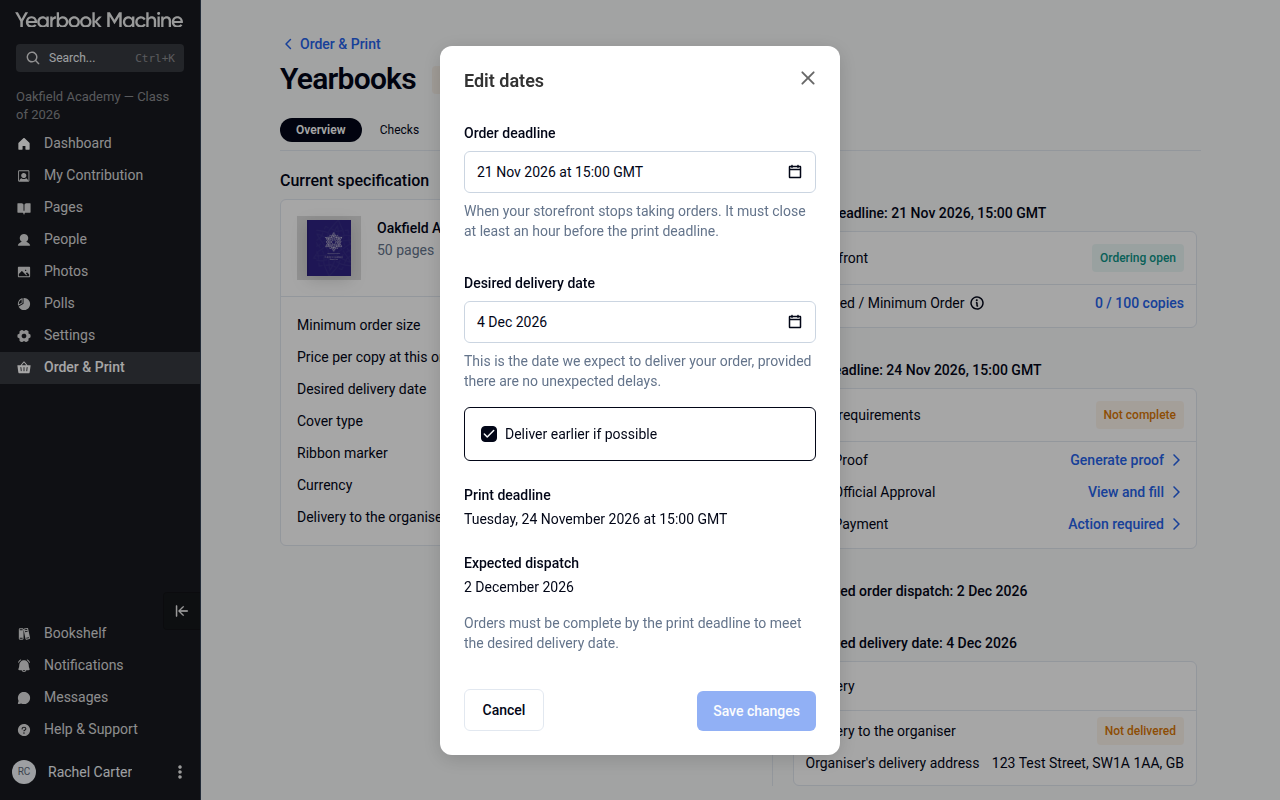
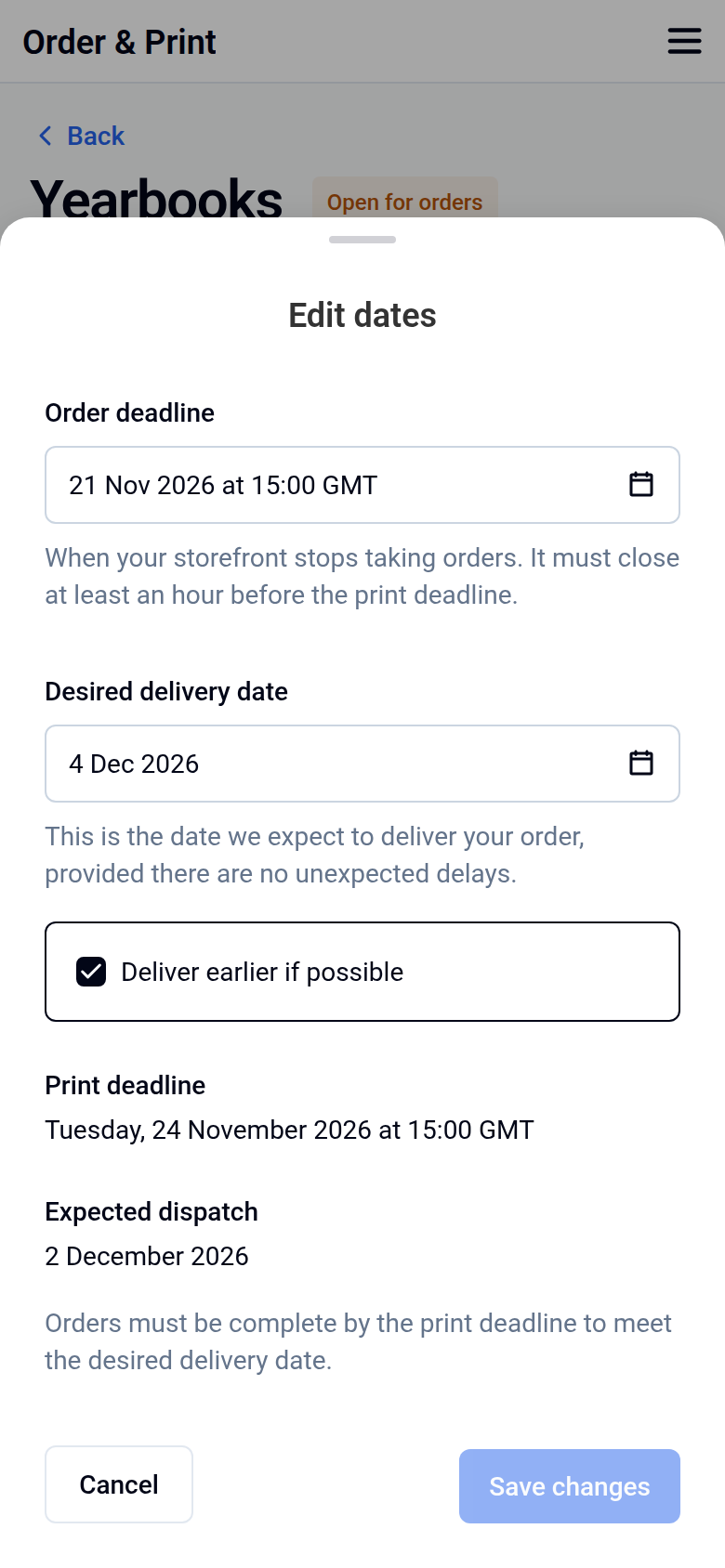
The delivery date can be changed until your book goes into production.
Getting a proof
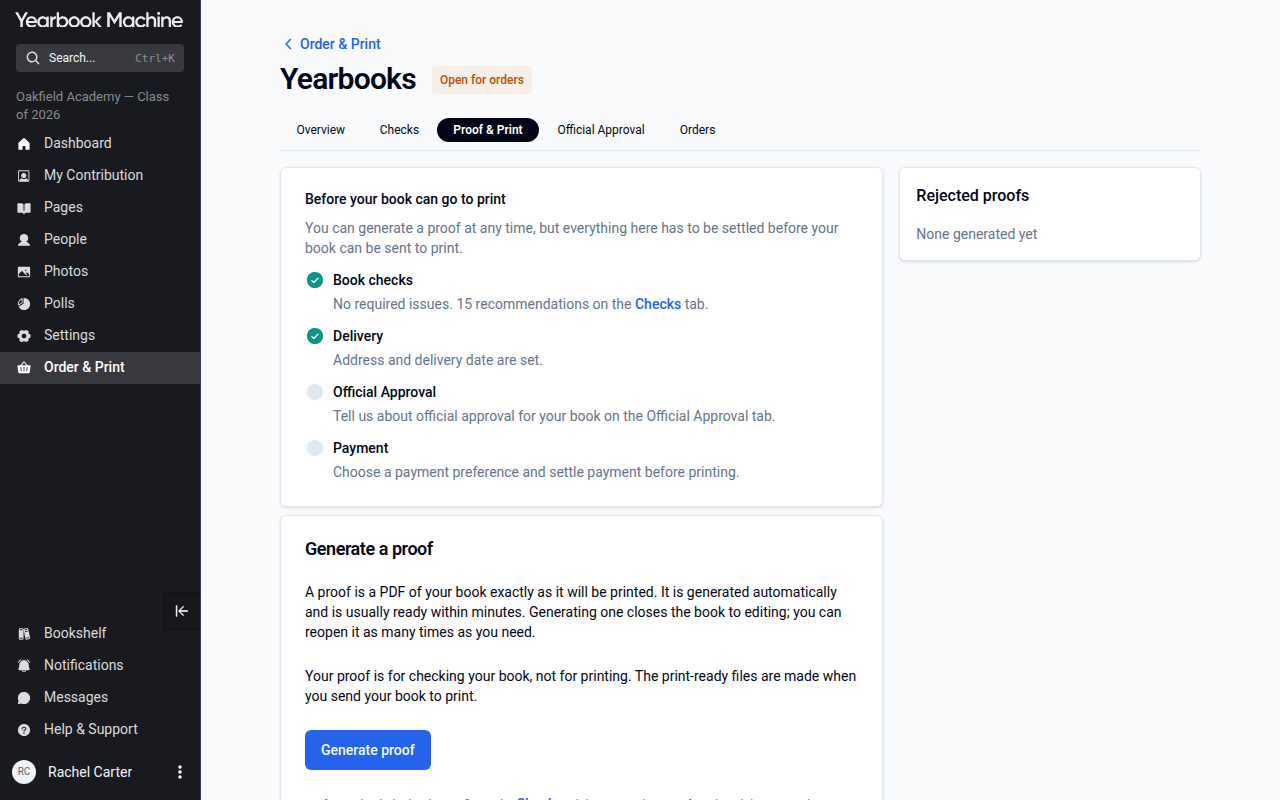
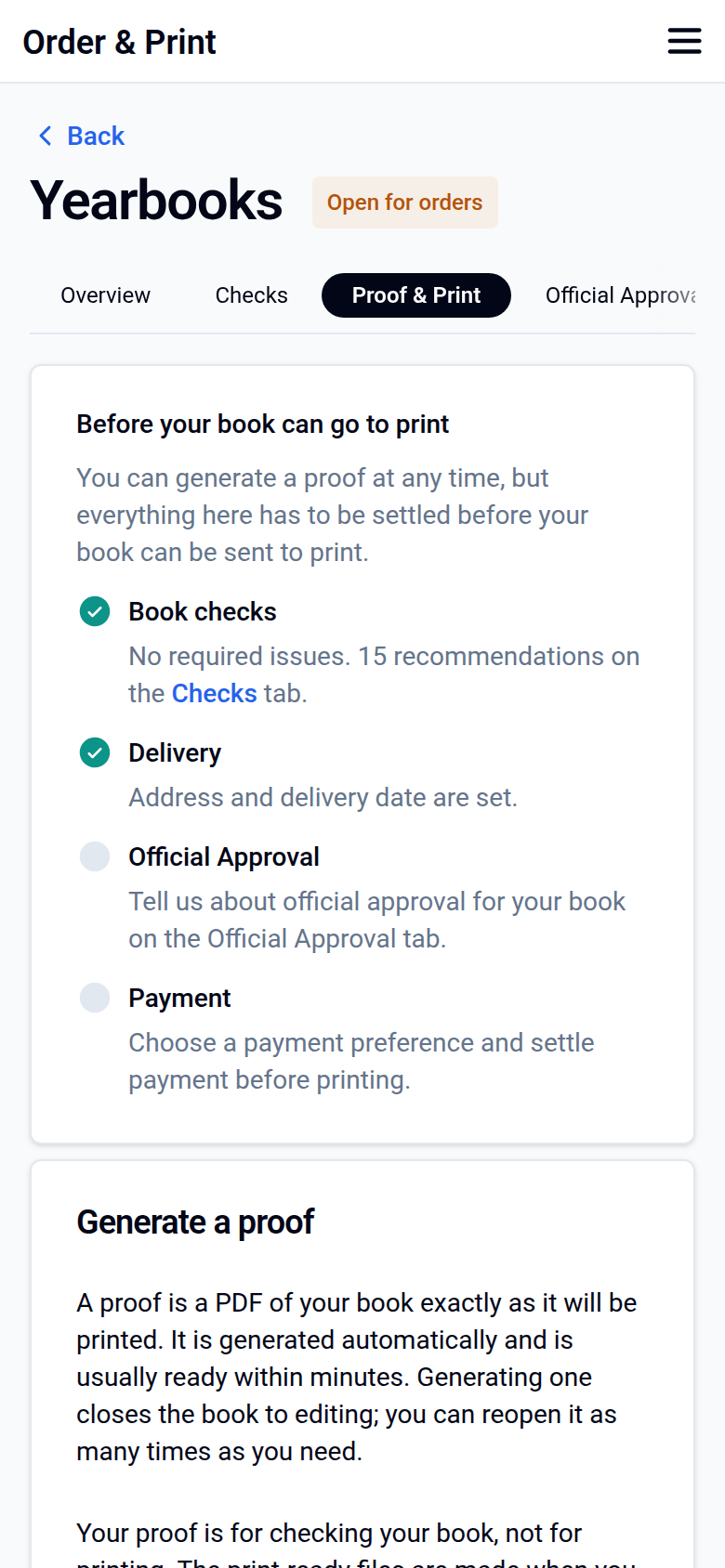
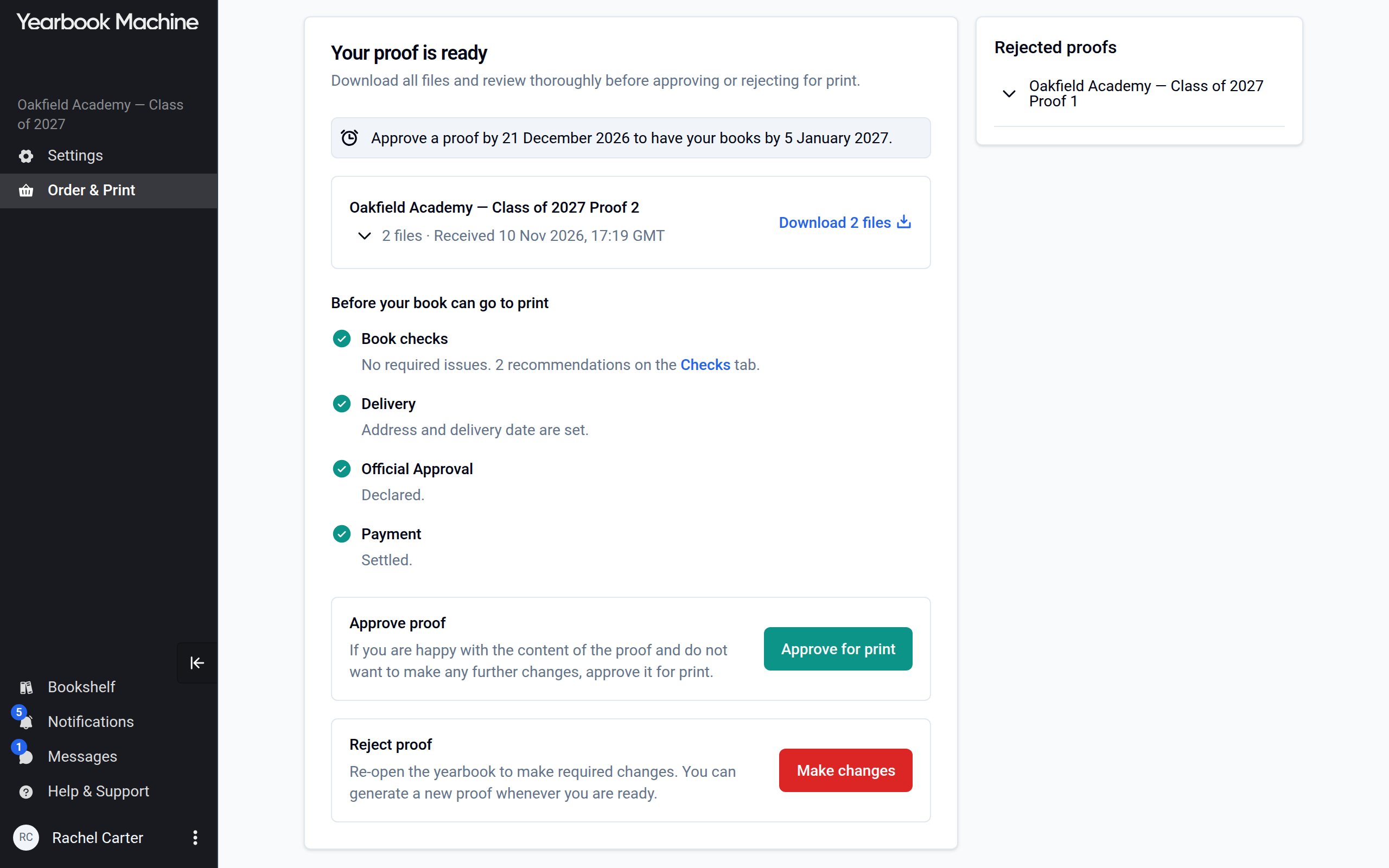
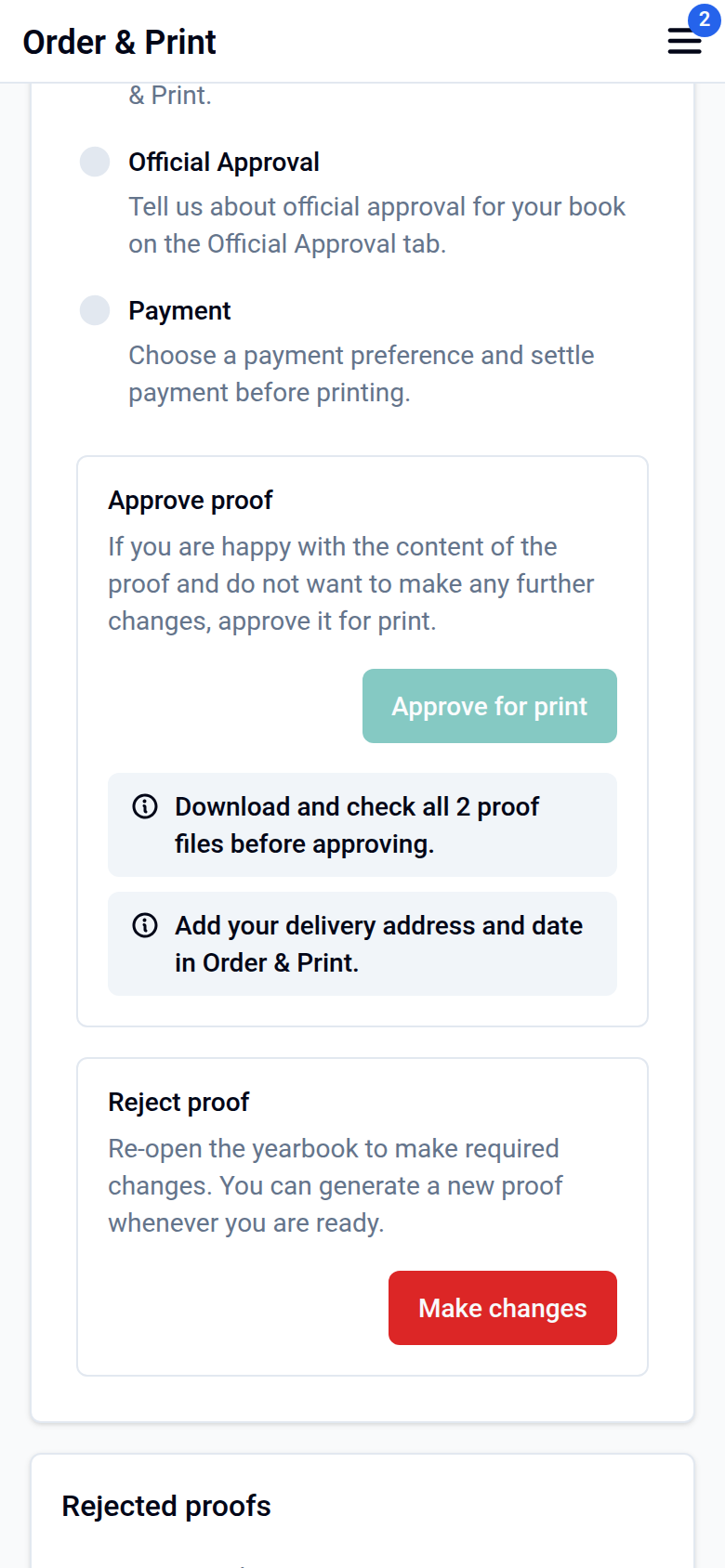
When your book is ready, click Generate proof on the Proof & Print tab of Order & Print › Yearbooks. Your proof is usually ready within minutes. Generating a proof closes the book to editing. To change something afterwards, click Make changes on the same tab, edit your book, then generate a new proof.
Good to know
- If you sell copies through a storefront, it is created when you finish the Order & Print setup.
- Single copies and small reprints are possible. We confirm each request with the printer.
Need a hand?
If you can't find the delivery date setting, or you're not sure which date to choose, get in touch and we'll help.
Was this article helpful?
Sorry, that didn't send. Please try again in a little while.
Thanks. That helps us improve this article.
Any other questions?
Email support@yearbook.com and we'll help you out.