
Help
Everything you need to make your yearbook.
Guides with a screenshot of every step, whether you're running the book or you've just been invited to one.
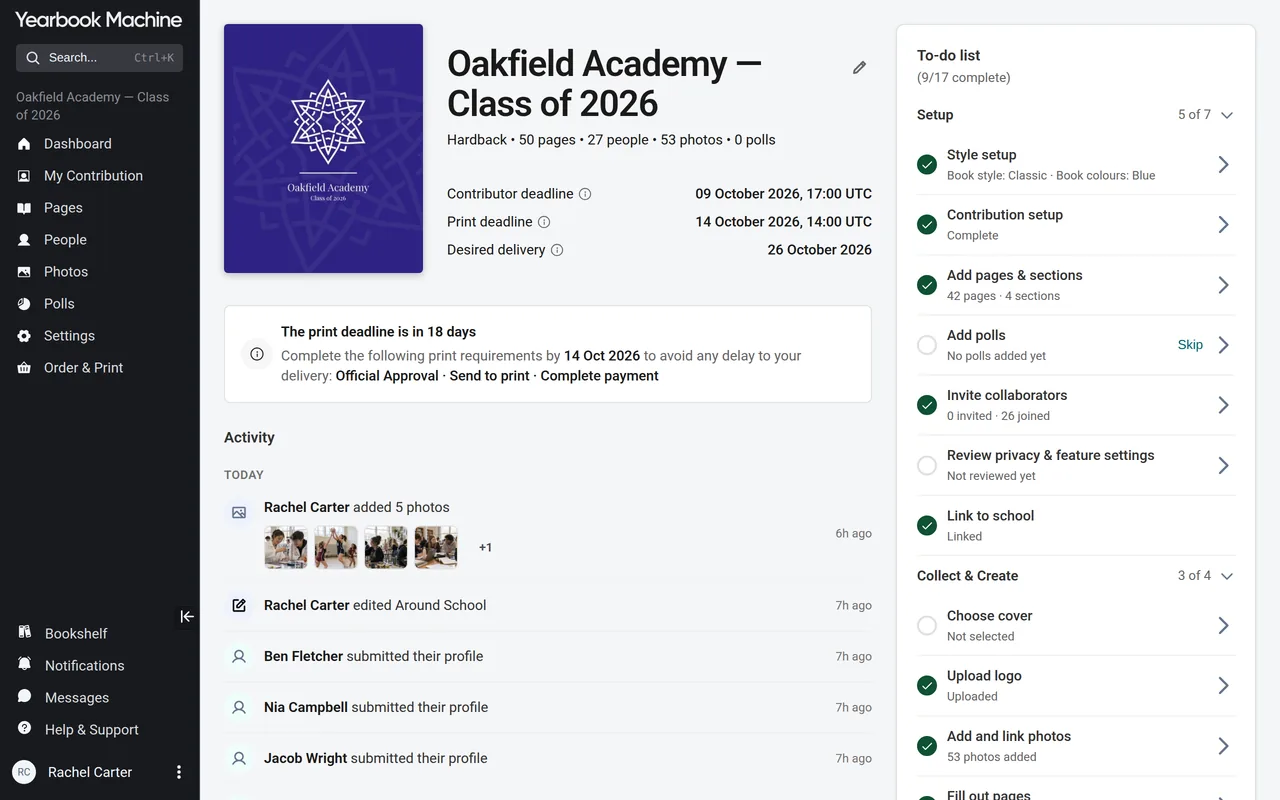
Start here.
From sign-up to a printed book: 5 articles from the editor guide, in the order you'll need them.
-
1 of 5
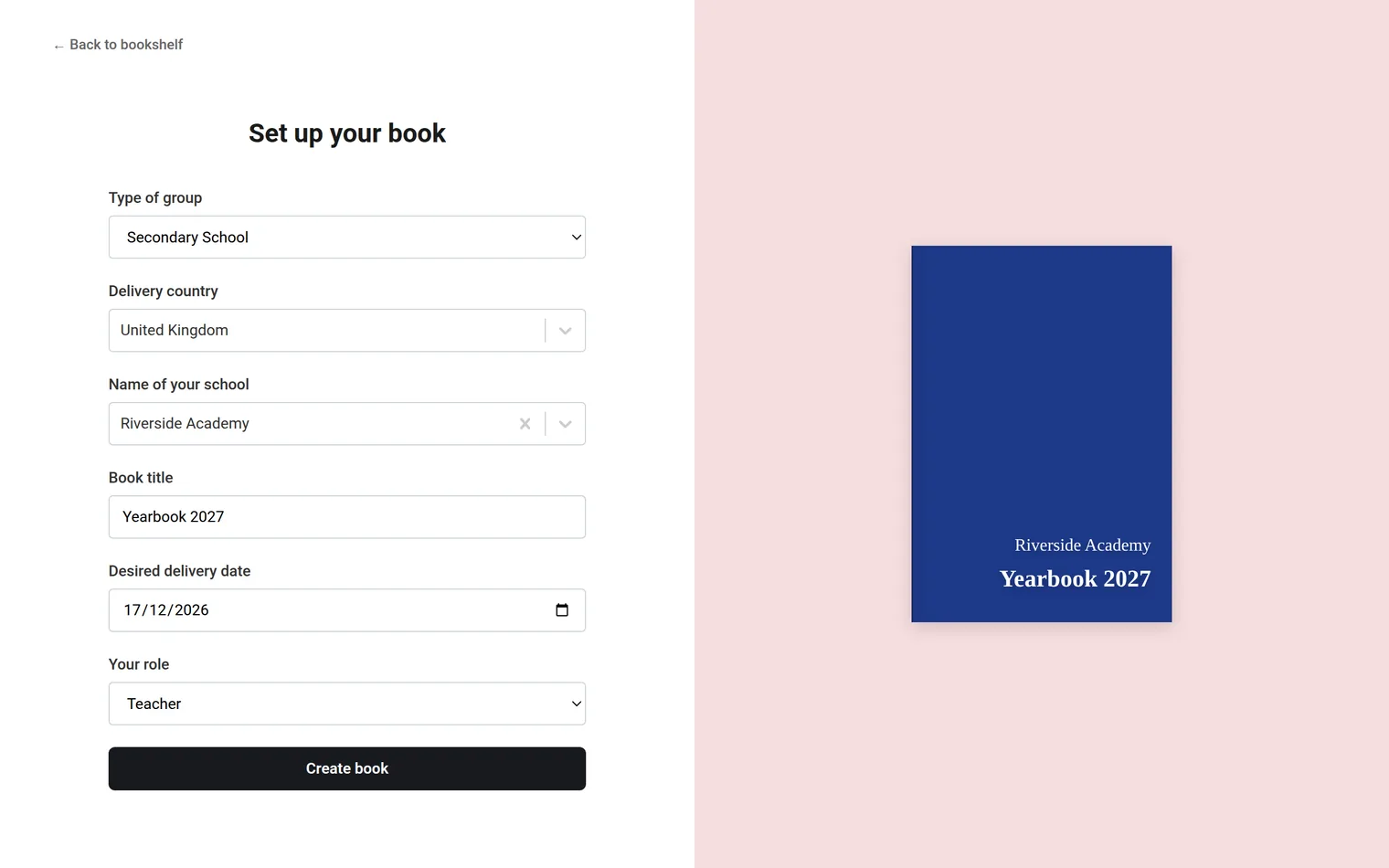
Create your yearbook
Creating a new yearbook -
2 of 5
Invite your group
Inviting people to your yearbook -
3 of 5
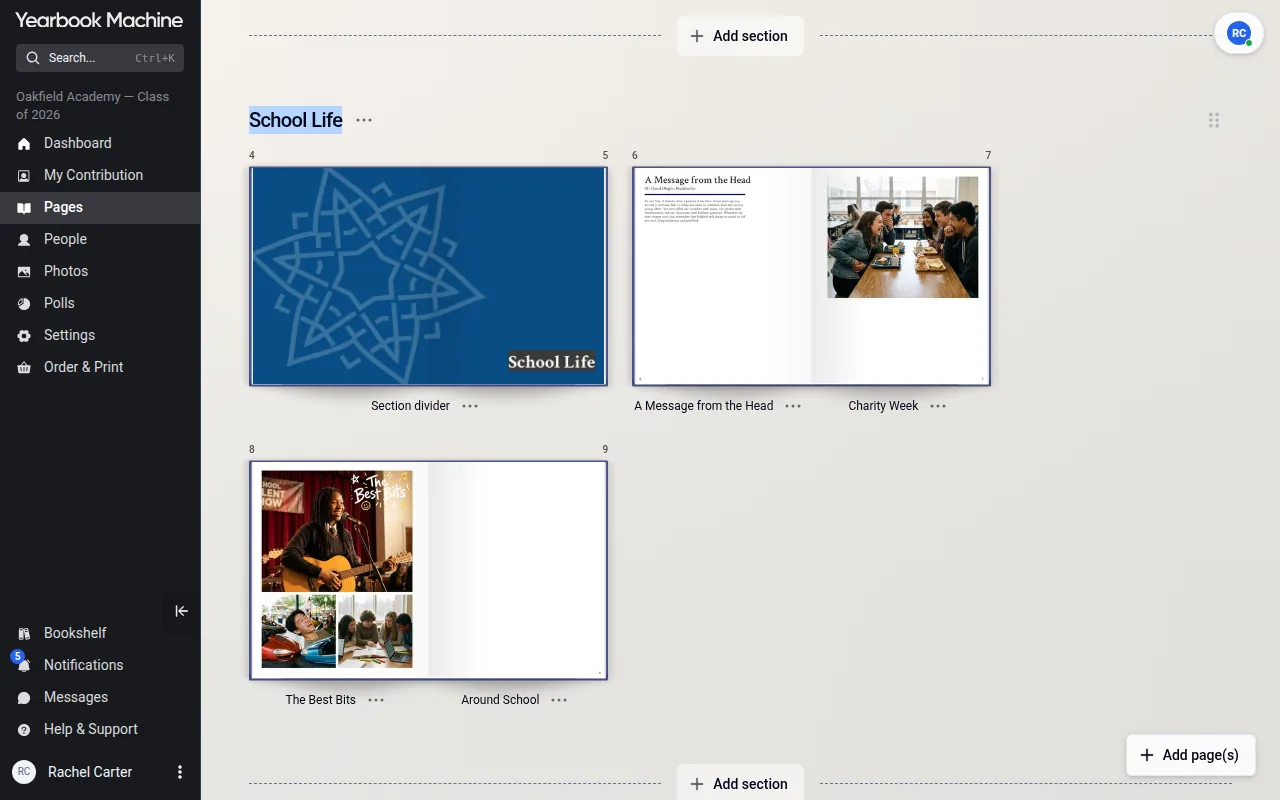
Build its pages
Adding, moving and changing pages -
4 of 5
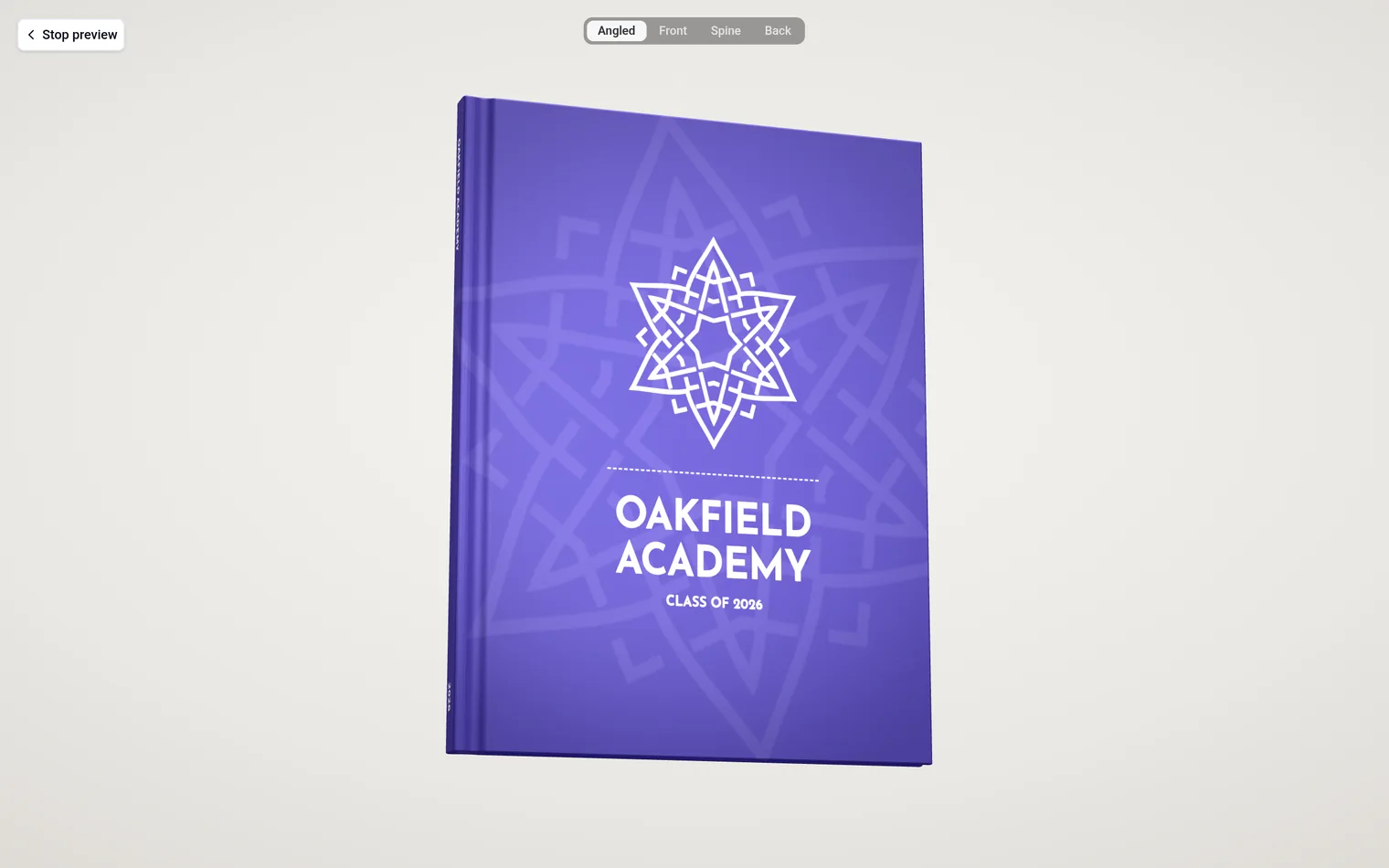
Design the cover
Designing your cover -
5 of 5
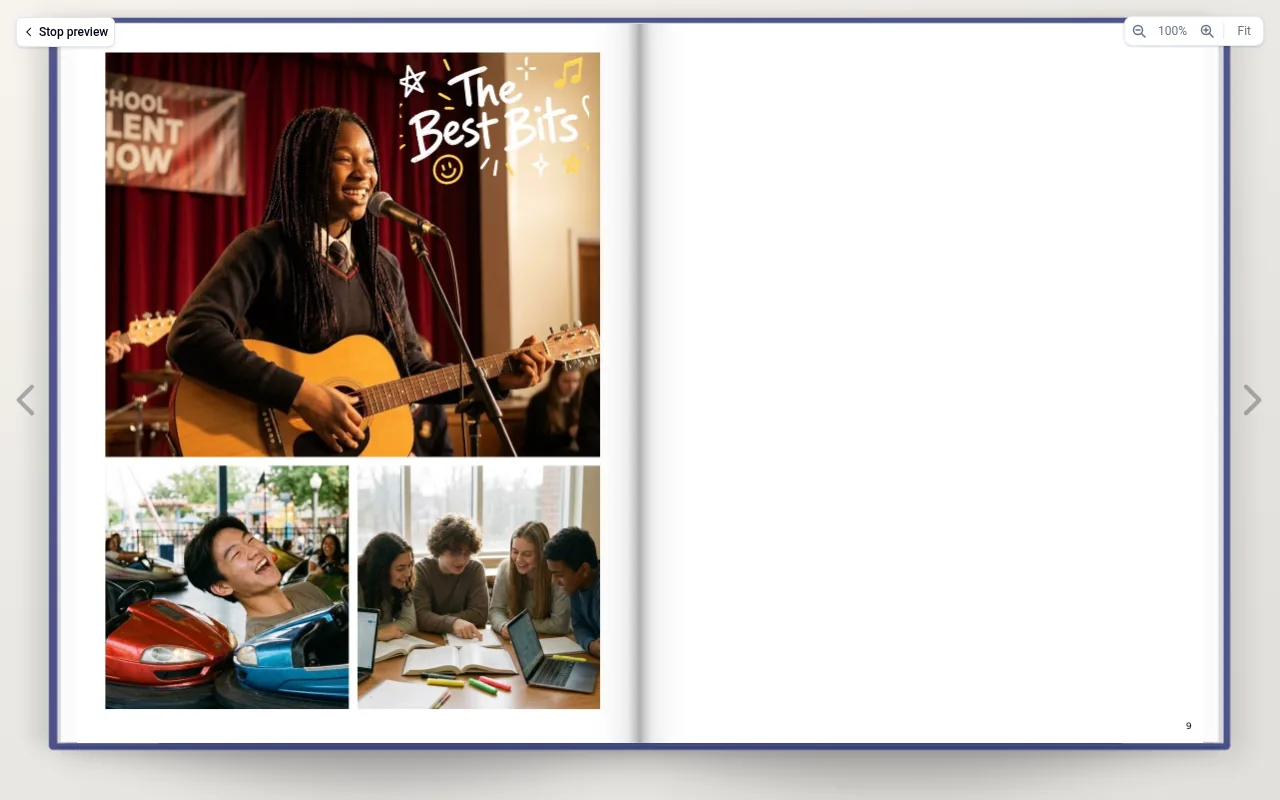
Check the proof and print
Previewing your book and checking proofs
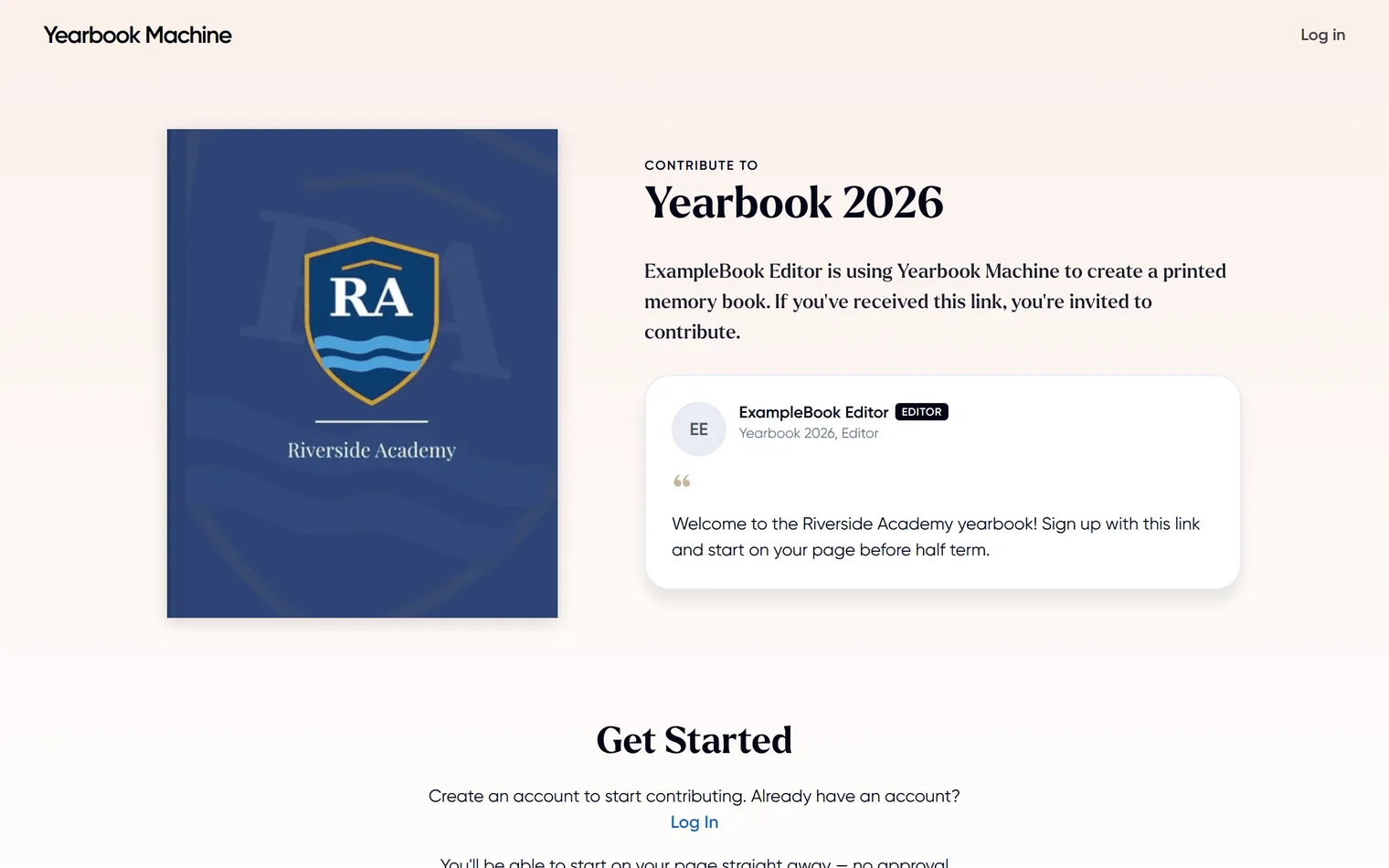
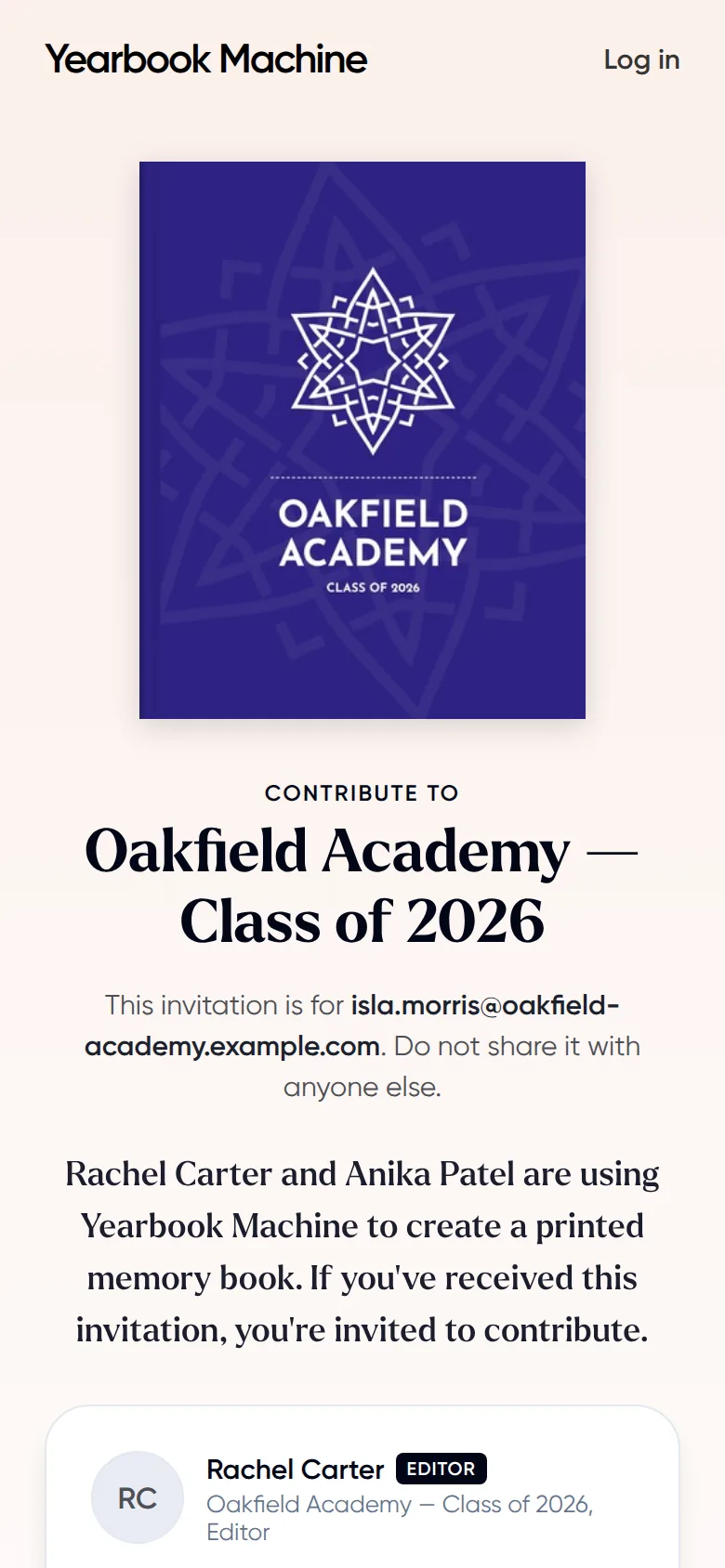
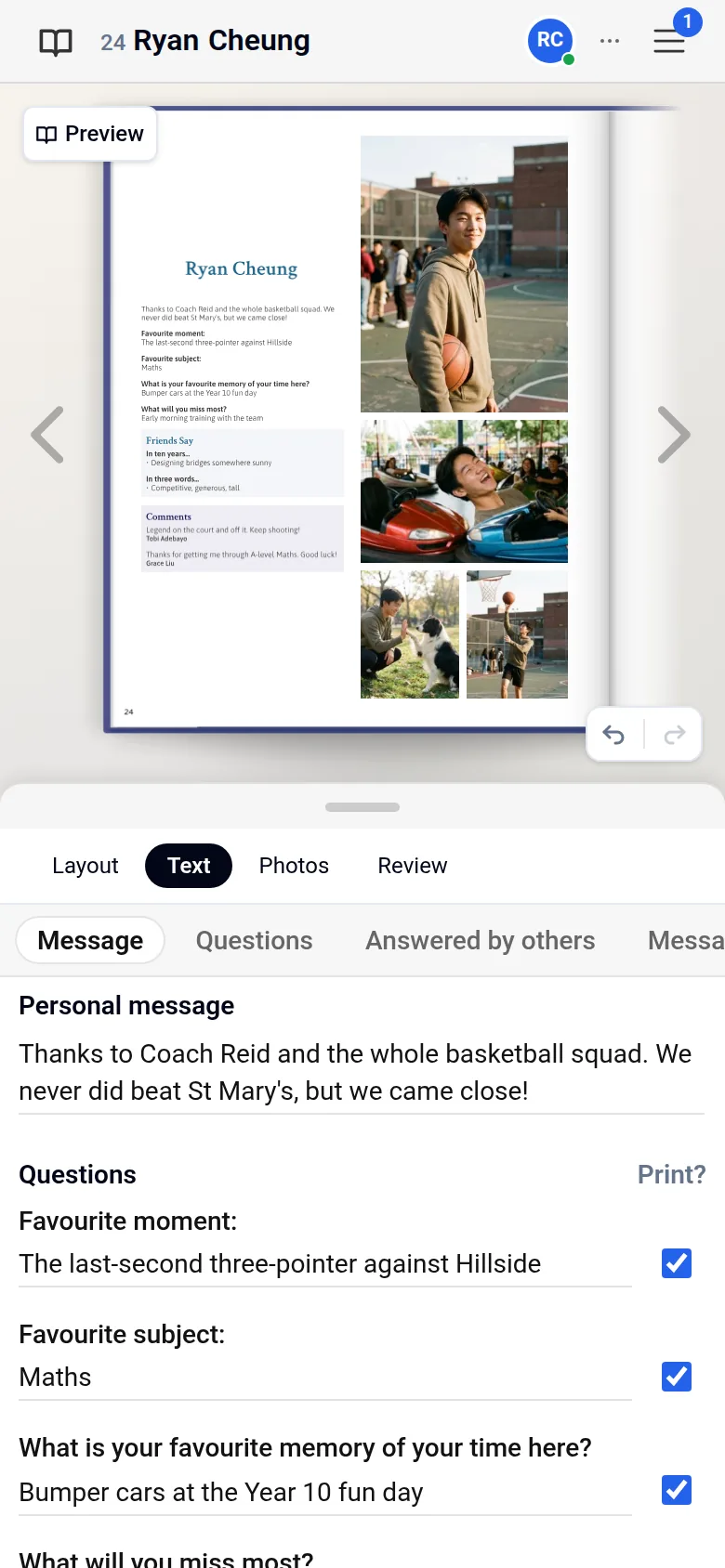
Been invited? Add your bit from your phone.
For everyone taking part: joining the yearbook, filling in your profile and adding photos.
- Joining a yearbook and signing up
- Completing your profile
- Comments from friends
- Polls: setting up, voting and results
The contributor guide
19 articles
-
Join with your link.
Your invitation opens the book.
-
Fill in your page.
Answers, photos and a message.
-
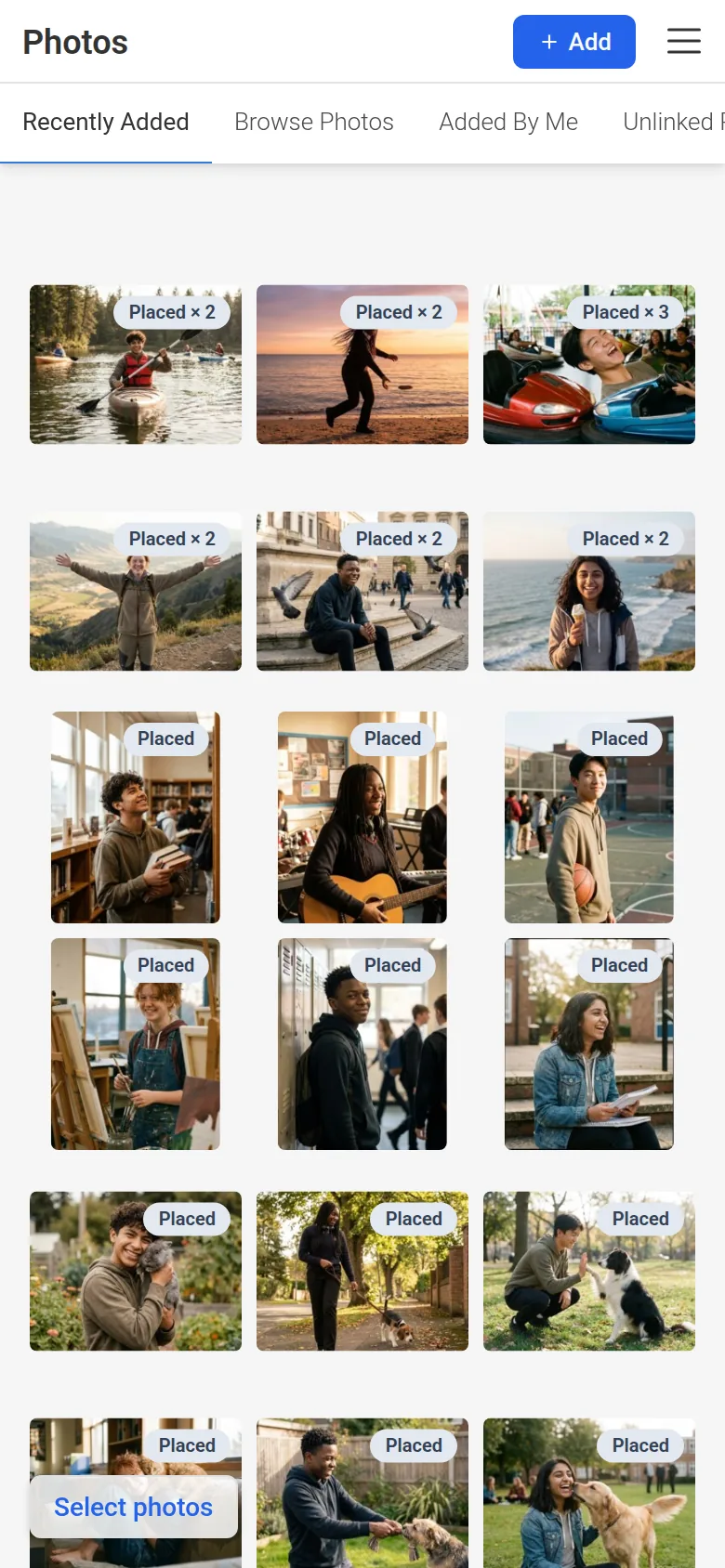
Share your photos.
One library for the whole book.
Talk to a person.
A real team, who know every corner of the editor.
Call us
The team answers 9am to 5pm UK time, Monday to Friday. Outside those hours the phone assistant gives you a guide price and takes a message.
+44 (0) 20 3397 2699Email us
Send a screenshot of what you're seeing and the team will get back to you.
support@yearbook.comIdeas and requests
Something you'd like your yearbook to do next? We read every one.
Feature requests and product updates