
A complete system for making yearbooks
Yearbook Machine makes creating yearbooks and leavers' books straightforward. It is free to use, works in any web browser, and we print and deliver the finished books.
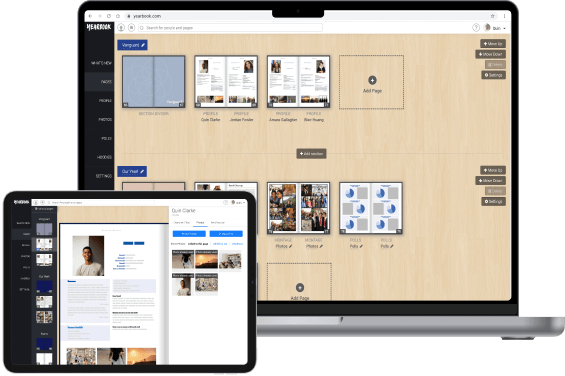
Easy page creation and layout
Smart page designs do the layout for you, so anyone can make pages that look designed.
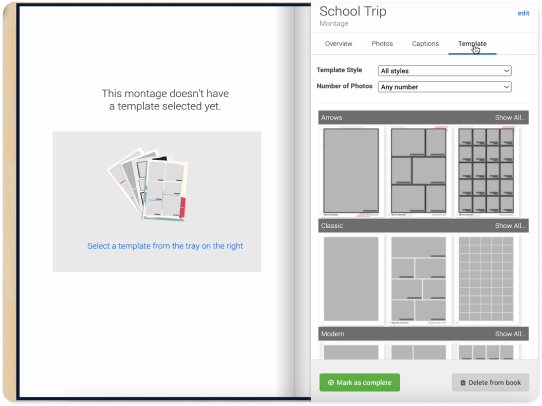
Choose a page design
Pick from designer-made layouts in your book's style, grouped by page type, and switch between them in one click.
Add your photos and words
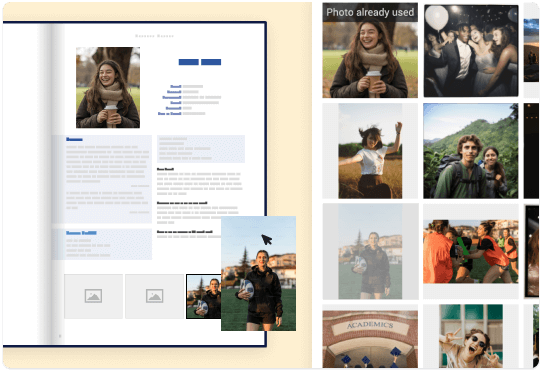
Drag photos from the tray onto the page to fill a frame, or drop several at once and let the page fill the rest.
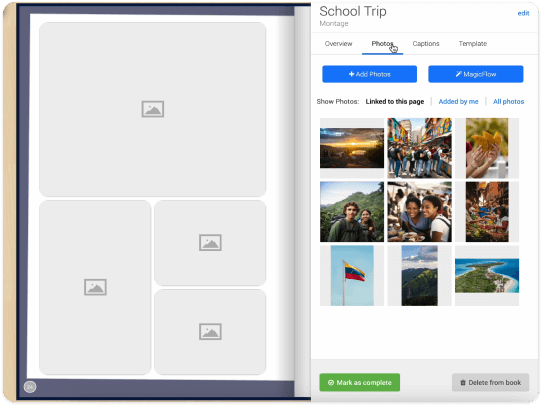
Let the page lay itself out
Add photos and text and the page arranges itself, in a quick editor that works on a phone and needs no design skills.
- Everything in one tray. Photos, page designs, text and stickers sit beside the page, so what you need is a click away.
- Double-page spreads. Choose designs that run across both facing pages for section openers, contents pages and big class photos.
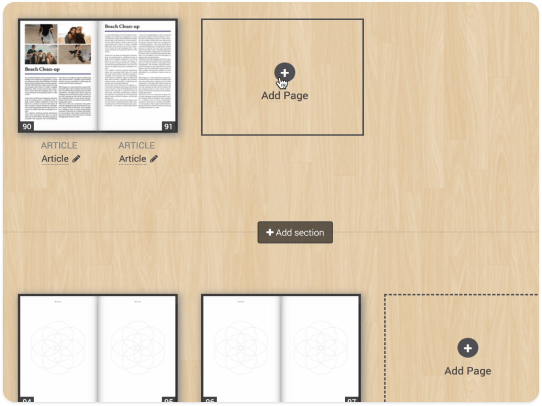
- Live page thumbnails. Every page shows an up-to-date thumbnail, so you can see the whole book's progress at a glance.
- Pages made elsewhere. Upload a PDF or image of pages made in Canva or InDesign, and they are printed from your original file.
- See your style before you choose. When picking your book's style, see real sample pages filled with photos and names first.
- Import from Dropbox or by email. Add photos from your computer or Dropbox, or email them to your book's own address.
Invite your group to collaborate
Invite everyone in your group to contribute their own part, so the book fills itself and nobody has to collect it all by hand.

Editors and contributors
Invite people as Editors, with full access, or Contributors, who add only their own part, by email, @username or one share link for the class.

Stay in control
See everyone on one People page, approve who joins, choose which contribution types are open, and let a parent help write a profile.

Set a deadline
Contributor access closes at the deadline you set, so the Editors can review and finalise the book, and everyone gets reminders on the way.

Profiles for people who have not joined
Create a profile for someone who has not signed up yet, then invite them to take it over when they do.
One shared photo library
Every photo shared for the book lives in one library that shows where each photo is used, and emailed photos wait for an editor to approve.
Keep everyone up to date
A notification bell and the book's activity feed show new members, contributions, deadlines and orders, and you can see who else is editing a page.
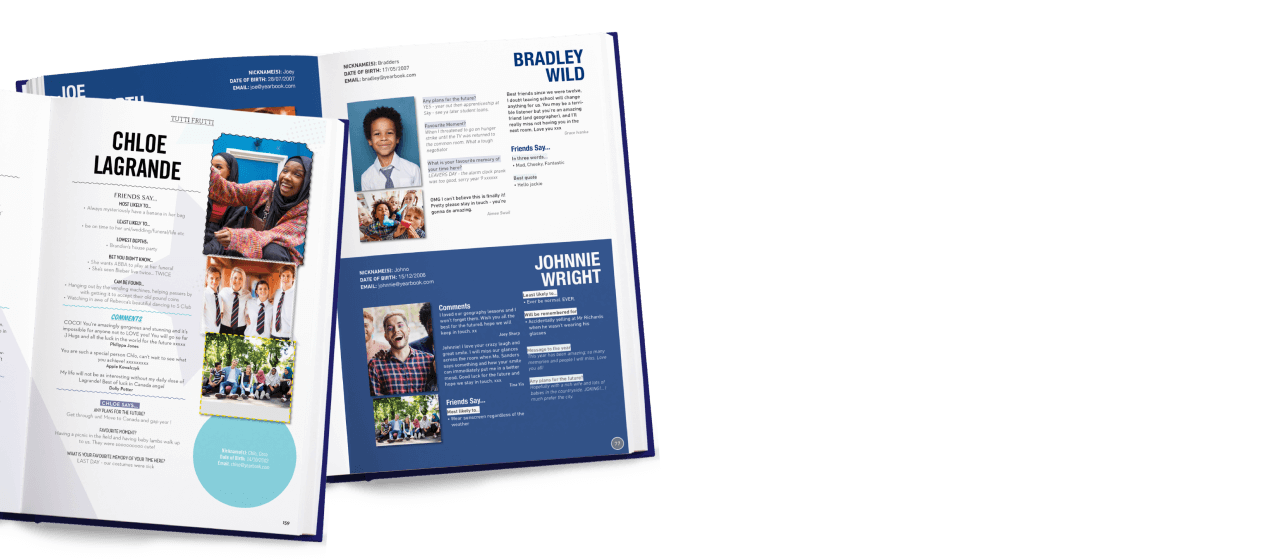
In-depth individual profiles
Each person in your group can have their own profile in the book, laid out automatically. Choose from a share of a page to a full two-page spread per person.
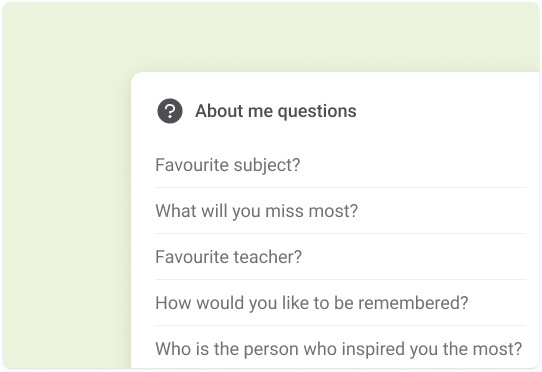
Choose the questions
A short guided setup lets you pick profile size, questions and sections, from our suggestions or your own, then set the deadline.
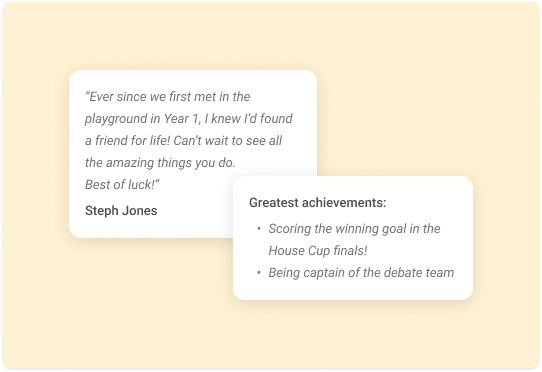
Collect comments from others
Friends leave comments for each other's profiles, ready to print alongside them.
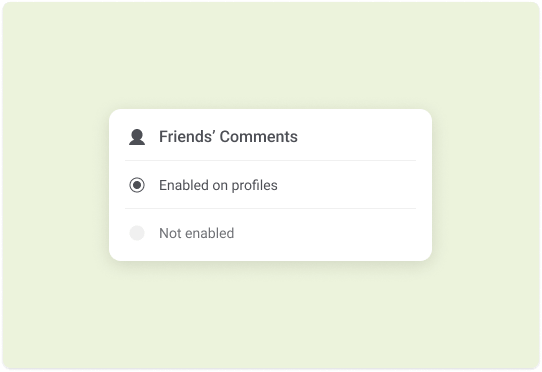
Fully customised
Editors control which features are included and which questions and topics appear on every profile.
Photos, too
Each profile has space for photos, arranged however you choose, with left and right pages mirrored automatically.
A share of a page, a full page or a spread
Give each person a full page or a two-page spread, or fit two, three, four, six, eight or nine profiles on one page.
A page for every contributor
Each contributor gets a My Contribution page with their profile, messages, polls and photos, and a countdown to the deadline.
Professional results with no expertise required
Yearbook Machine keeps every page consistent and well designed, even if nobody in your group has done this before.

Consistent styling
Pick one design style for the whole book and every page, profile and divider follows it.

Your colour scheme
Pick your school's two colours once and every page design picks them up automatically.

School logo incorporated
Your logo or crest is built into page designs and the cover as a design element.

Structural pages
Title, contents, section dividers, indexes and notes pages are created automatically to match your style.
- Text that stays readable. Text switches between black and white when your book colours change or it sits on a photo.
- Decorative borders. Double lines, dots, waves and hatching on photos, text and shapes, printed exactly as they appear.
- Highlight bands. Coloured bands, rules or underlines behind names and headings, sized to fit the text.
- Left and right pages. Designs adapt to each side and carry page numbers that stay correct when you add or move pages.
- Reusable styles and snap to grid. Save text and frame formatting as styles, and snap items to a grid so everything lines up.
- Print-standard files. Pages go to the printer as PDF/X-4 files produced by the same renderer you see in the editor.
For a perfect finish
Make sure your book is just right before it goes to print.
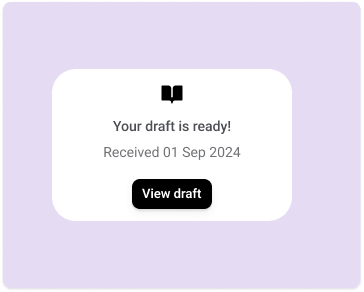
Free PDF proofs
Generate a full PDF proof of the whole book whenever you like, at no charge and without placing an order first.
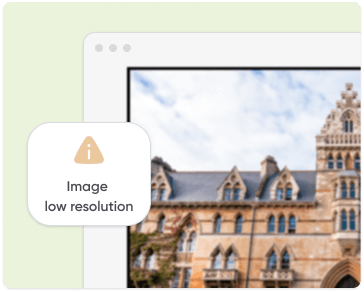
Checks before printing
A Checks tab lists anything to fix, page by page, and Proof & Print holds your proof and the button to send it.
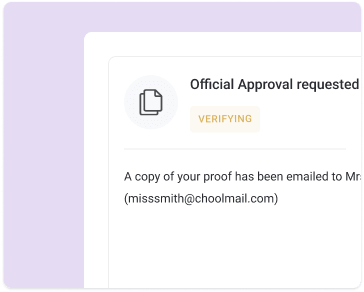
Official approval
In high school books, the approval system makes sure staff sign off before anything is printed.
Cover designer with 3D preview
Design front, back and spine as one wrap, with the spine sized to your page count and a 3D view of the finished book.
AI cover designs
Pick a theme or describe the cover you want, and get print-ready cover designs made for your school to use or adjust.
Book options in one place
Change copies, cover type, foil, ribbon and delivery date in one place, next to your proof and your order.

Here to help every step of the way
Real people by phone, email and chat, plus a help centre that answers the questions customers actually ask.
- Online help centre. Search step-by-step help articles any time, written from real customer questions.
- Chat from inside your book. Get help from our team without leaving your book, through the Help & Support menu.
- A guided to-do list. Your dashboard walks you through setup, contributions and ordering at your own pace.
- Phone and email. Talk to a person whenever you need a hand, from your first page to delivery day.
More features
Full of time-saving tools to help with your project.
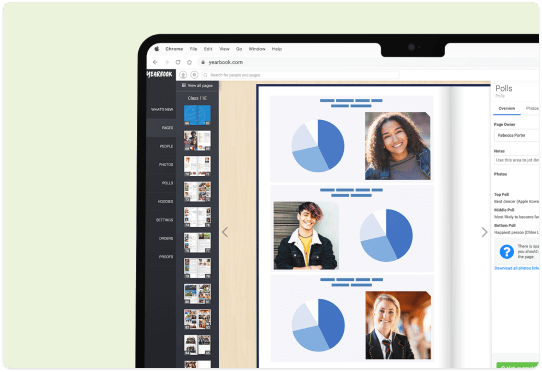
Class polls
Run polls such as "most likely to" across your book, and print the winners on the page.
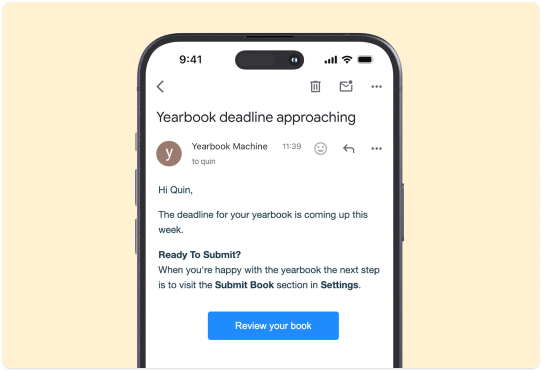
Automatic deadline reminders
Tell us when you want your books delivered, and we work out the print deadline and send the reminders.
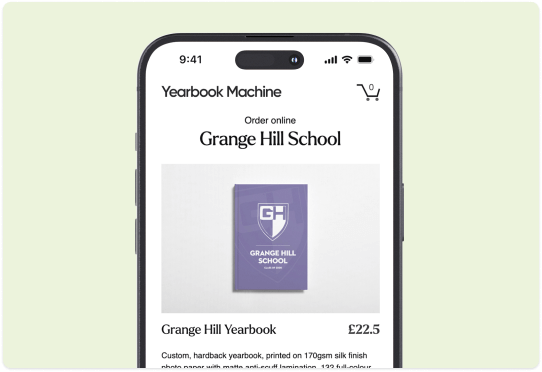
Online shop for individual copies
Share your book's online shop so each parent or student orders and pays for their own copy, delivered to school or home.
Hoodies for your school leavers
Order hoodies with everyone's name on the back alongside your book, and let each person buy their own through the same shop. About hoodies
Photo editing
Adjust brightness, contrast and colour, rotate, or switch to black and white, with a live full-resolution preview.
Undo, redo and page history
Undo and redo as you work, try another design and switch back, or restore any earlier version of a page.
Ready to go?
Sign up for free to begin creating your yearbook today.